Prerequisites
Destination IPv4 address or fully qualified domain name (FQDN) of your Rsyslog receiver.
Follow these steps to add an Rsyslog receiver for metadata streaming of Email Security - Server appliance email events:
To add an Rsyslog receiver using the Web UI:
Go to the Settings > Metadata Streaming page.
Click Add Rsyslog Metadata Receiver.
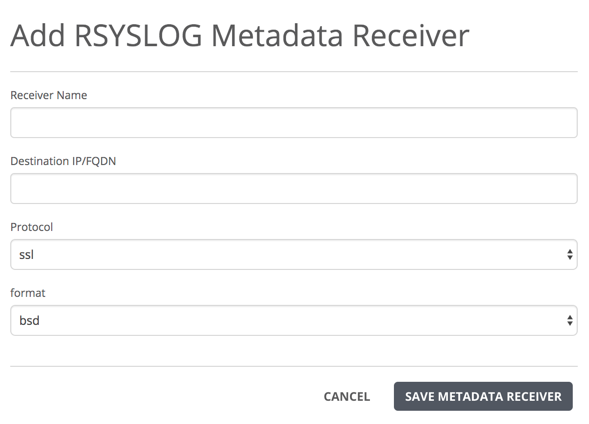
Enter the receiver name.
Enter the IPv4 address or fully qualified domain name of the Rsyslog receiver.
Select the secure network communication protocol from the drop-down menu: SSL, UDP, TCP.
Select the metadata streaming format used on the rsyslog receiver from the drop-down menu: BSD, IETF, or SNARE.
Click Save Metadata Receiver.