Defined antivirus solutions are used in the alert details to determine whether the organization's current antivirus solutions would have detected the malware. As antivirus solutions are added, modified, or deleted, alert details are updated.
To add an antivirus solution:
Under General Settings, click the Manage link next to Installed Antivirus Solutions.
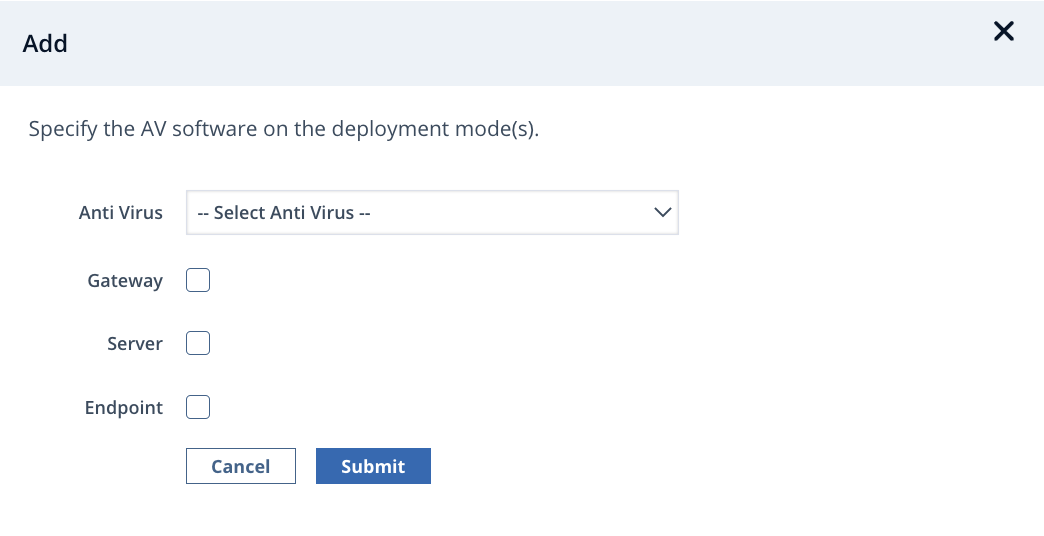
Click Add.
Choose your antivirus product from the Anti Virus menu.
Select the deployment mode: Gateway, Server, or Endpoint.
Click Submit.
If your organization supports multiple antivirus solutions, repeat this process for each solution.
The solution is displayed in General Settings on the Domain Settings page.
To modify an antivirus solution:
Click the Edit link on the row of the antivirus solution you want to modify.
In the antivirus solution selection screen, modify the configuration options as necessary.
Click Submit.
To delete an antivirus solution:
Select the checkbox of the antivirus solution you want to delete.
Click
 (Delete).
Click Yes, delete Antivirus to confirm.