Use the SNMP Settings area to set up the default configuration for SNMP notifications.
To configure SNMP notifications:
On the Web UI, select the Settings tab.
Select Notifications on the side bar.
Click the SNMP tab to display the Define Protocol Settings area.
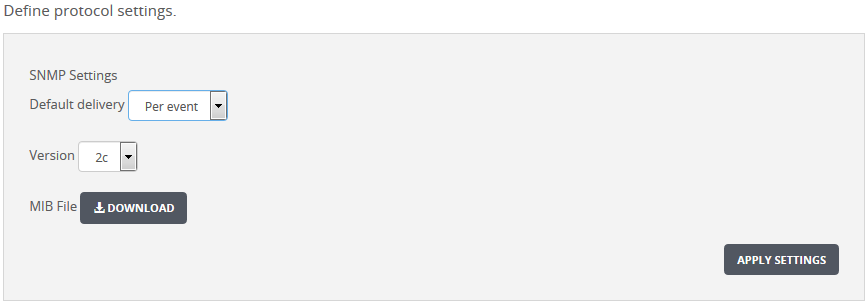
Select the SNMP version (1 or 2c) to use for the notification in the Version drop-down list box.
If you need the MIB file, click Download. If you are prompted for confirmation, click Save.
To apply the SNMP settings, click Apply Settings.
Note
If you do not click Apply Settings, your changes are lost.