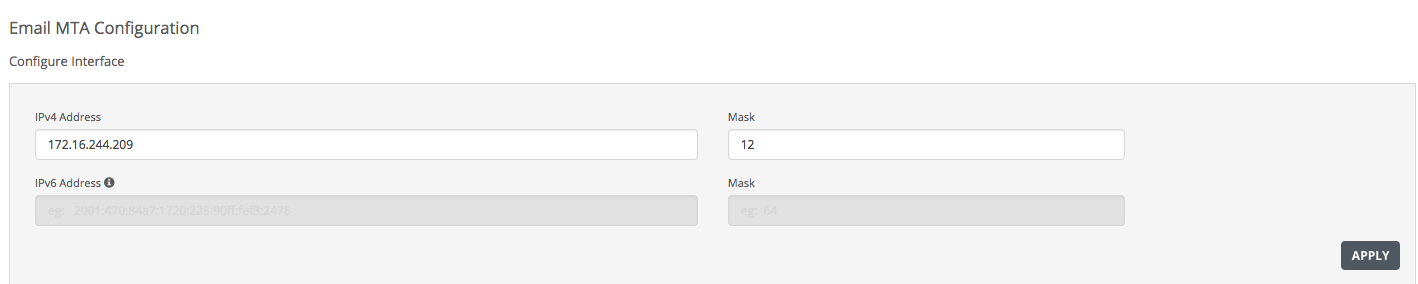
Use the Configure Interface area in the Email MTA Configuration page to configure the SMTP (pether3) interface with an IP address and mask length using the Web UI.
Field | Description |
|---|---|
IP Version | IPv4 or IPv6 |
Static | Static IP address if DHCP is disabled. |
Dynamic | Dynamic IP address |
IP Address | IP address of the pether3 interface. |
Subnet Mask | Mask length for the pether3 interface. |
To configure the SMTP interface with an IP address:
In the Web UI, choose Settings > Email MTA.
In the Configure Interface section, enter the IPv4 address and mask length for the pether3 interface in the IPv4 Address and Mask fields.
Enter the static IPv6 address and mask length for the pether3 interface in the IPv6 Address and Mask fields.
Click Apply to save your changes.