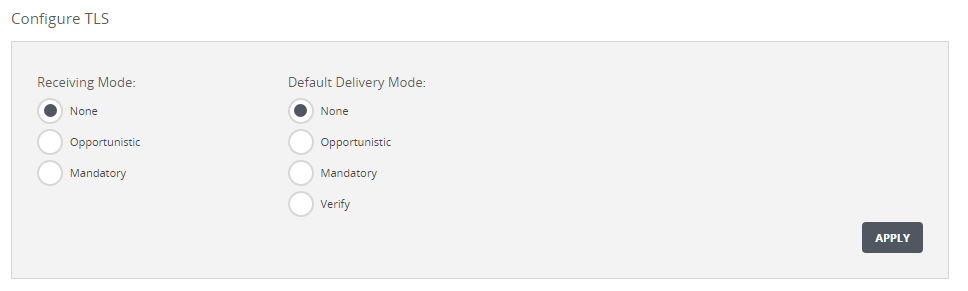
Use the Configure TLS area on the Settings > Email MTA page to configure the transport layer security receiving mode and default delivery mode for the MTA interface.
To configure transport layer security modes:
Go to the Settings > Email MTA page.
In the Configure TLS area, select a receiving mode, either None, Opportunistic, or Mandatory.
In the Configure TLS area, select a default delivery mode, either None,
Opportunistic, Mandatory, or Verify. Verify mode is required for compliance with Common Criteria certification.
Click Apply.