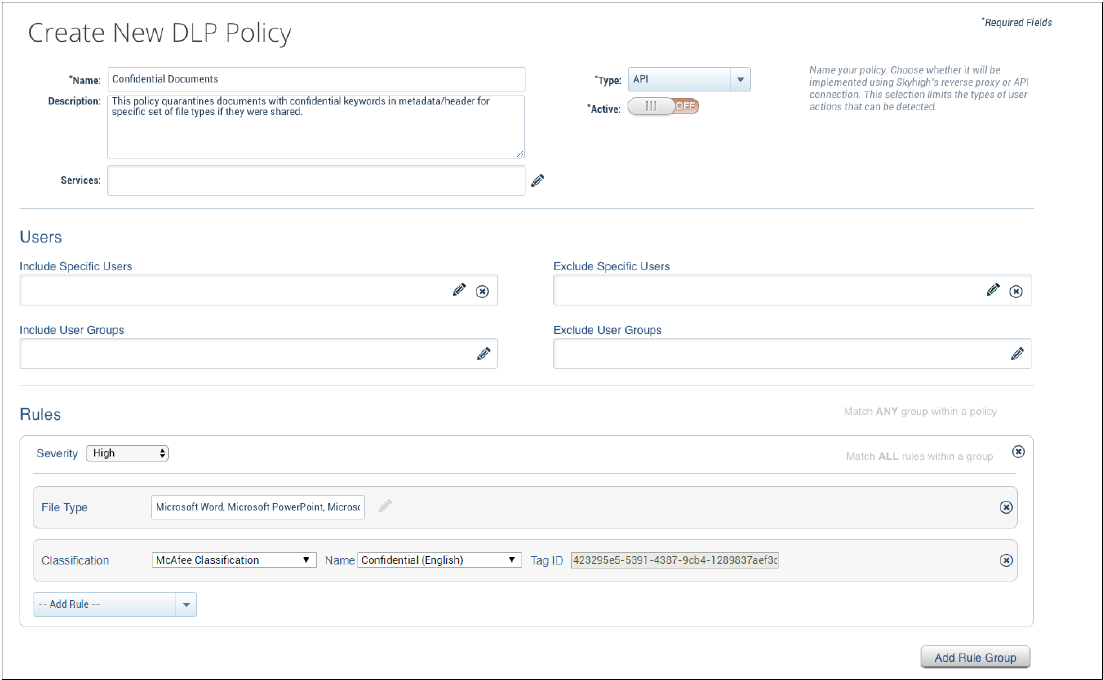
When Skyhigh Security Cloud integration is enabled, a Skyhigh Security Cloud DLP policy rule called Trellix Classification appears.
Configure integration with Skyhigh Security Cloud on the DLP Settings → Skyhigh Security Cloud Server page.
Select Policy → Create Policy or Edit Policy.
Enter a name and optional description.
Under Rules, select Add Rule → Trellix Classification.
In the Name field, enter the name of the imported classification you want to include in the policy.
Fill in the remaining fields, then click Save.