The Web UI provides a complete set of functions for configuring the Email Security - Server appliance. The functions you can use depends on the privileges granted by your role. This topic describes how to access the Web UI.
To log in to the Web UI:
Open a Web browser and enter
https://appliancein the address line, whereapplianceis the IP address or hostname of the appliance. For example, if the configured IP address of the appliance is 10.1.0.1, enterhttps://10.1.0.1.On the log in page, enter the username and password your administrator provided.
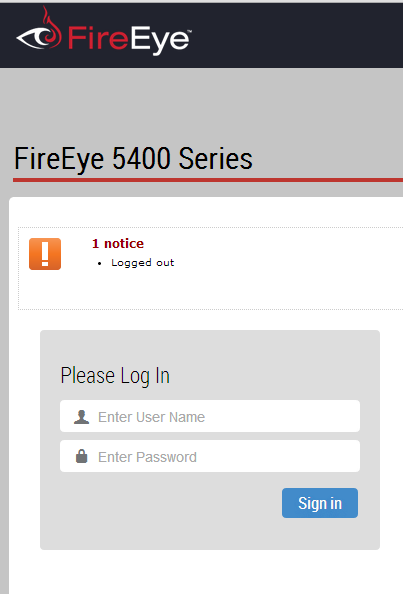
Click Sign In.