After the AD synchronization script completes its initial run, you can use the Email Security - Server appliance Web UI to configure AD sender impersonation detection rules by adding AD group names.
Prerequisites
You are logged in to the Email Security - Server appliance as an administrator.
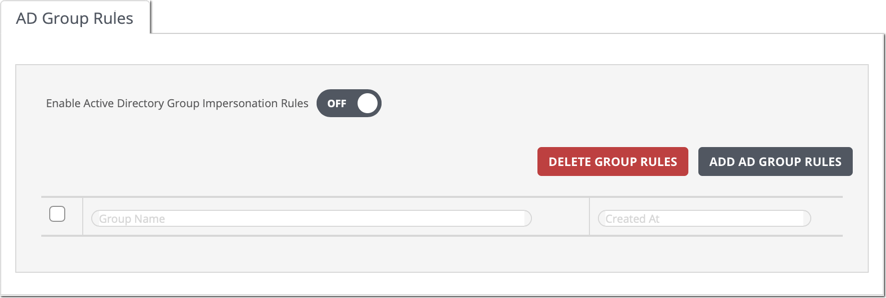
The Web UI Settings > Impersonation > AD Group Rules page is open.
The AD synchronization script has completed its first run.
See Starting the AD synchronization script using the Web UI on .
Note
The appliance Web UI does not display the AD synchronization progress or status.
Click Add AD Group Rules to view the groups in your organization.

(Optional) Use the Search Groups field to search for a group name.
Select groups whose users you want added to the impersonation rules check.
Click Add Rule(s).