Use the Settings > Metadata Streaming page to change settings on an HTTP receiver.
Prerequisites
An established connection between the Email Security - Server appliance and the Internet.
An established connection between the Email Security - Server appliance and the receiver.
You are logged in to the Web UI with Admin or Operator access.
To modify an HTTP receiver:
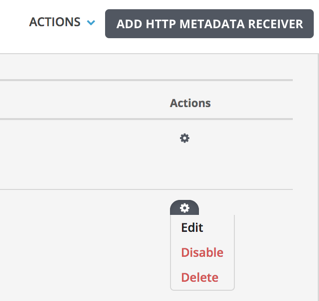
Go to the Settings > Metadata Streaming page.
Click the HTTP tab.
Click
.png) in the Actions column, and then select Edit.
in the Actions column, and then select Edit.Modify the server URL, authentication method (basic or token), token, user name, or password.
Click Save Metadata Receiver.