Use the Settings > Metadata Streaming page to edit an Rsyslog receiver.
Prerequisites
An established connection between the Email Security - Server appliance and the Internet.
An established connection between the Email Security - Server appliance and the receiver.
You are logged in to the Web UI with Admin or Operator access.
To edit an Rsyslog receiver:
Go to the Settings > Metadata Streaming page.
Click the Rsyslog tab.
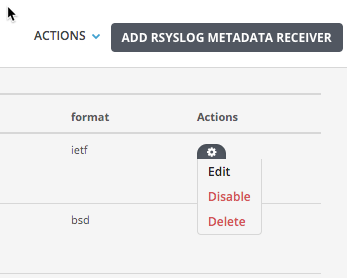
Click
.png) in the Actions column, and then select Edit.
in the Actions column, and then select Edit.Modify the destination IP/FQDN, protocol, or format of the Rsyslog metadata receiver.
Click Save Metadata Receiver.