The Templates page displays a detailed list of templates. Build and reuse various templates to include in your email campaigns. Use advanced AI capabilities for insightful content of pre-made phishing templates. Alternatively, you can also build new templates from scratch.
The Templates page shows two tabs:
My Templates shows a table of templates created by you.
System Templates shows a table of readymade templates.
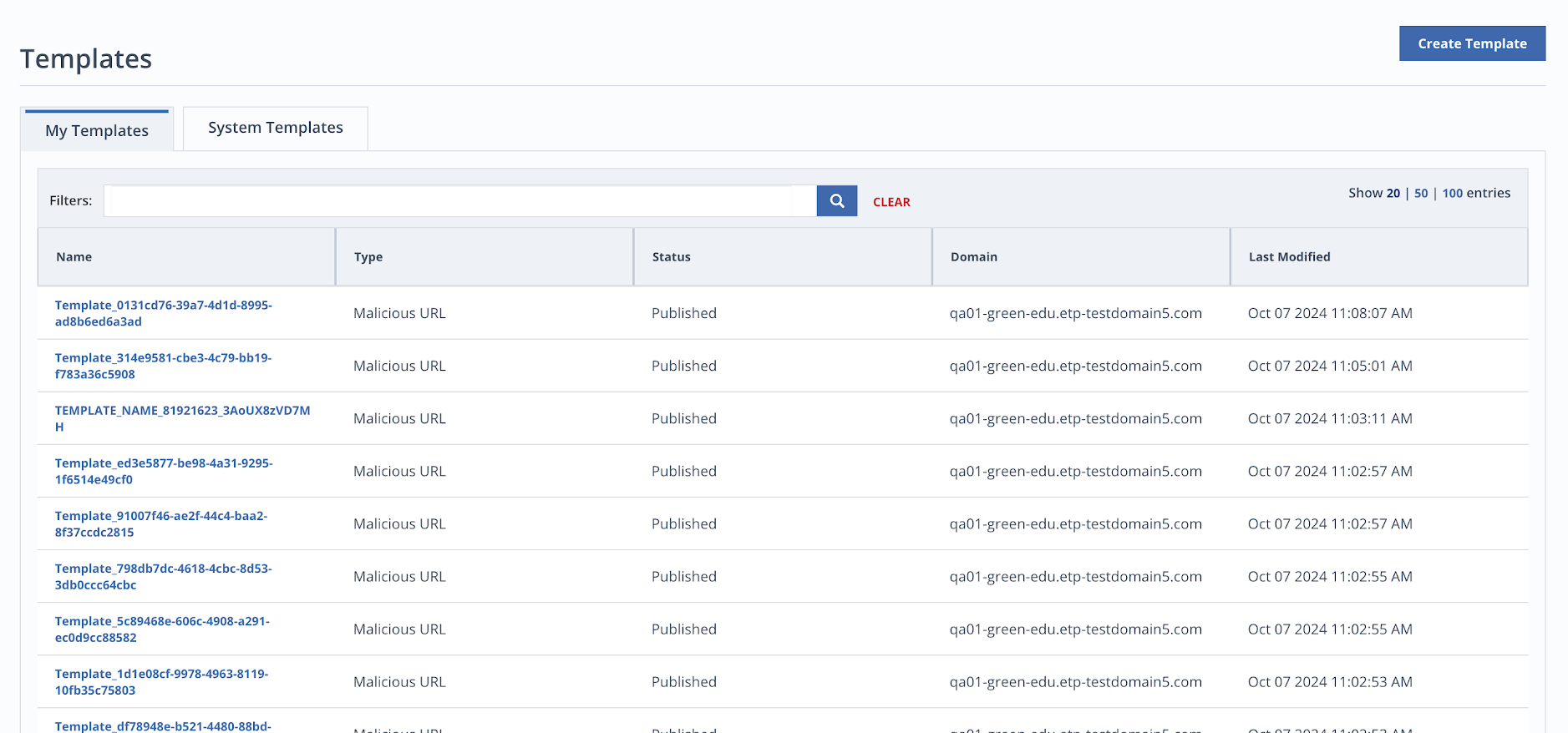
You can filter both the tables as per type of domain, status or type.
The tables show the following details for each template:
Name: The subject line of the template. Click the subject line to view the template.
Type: The type states the nature of phishing links included in the template.
Status: Publication status of the template.
Domain: Domain address of the template.
Last Modified: Date and time when the template was last updated.
Template Details
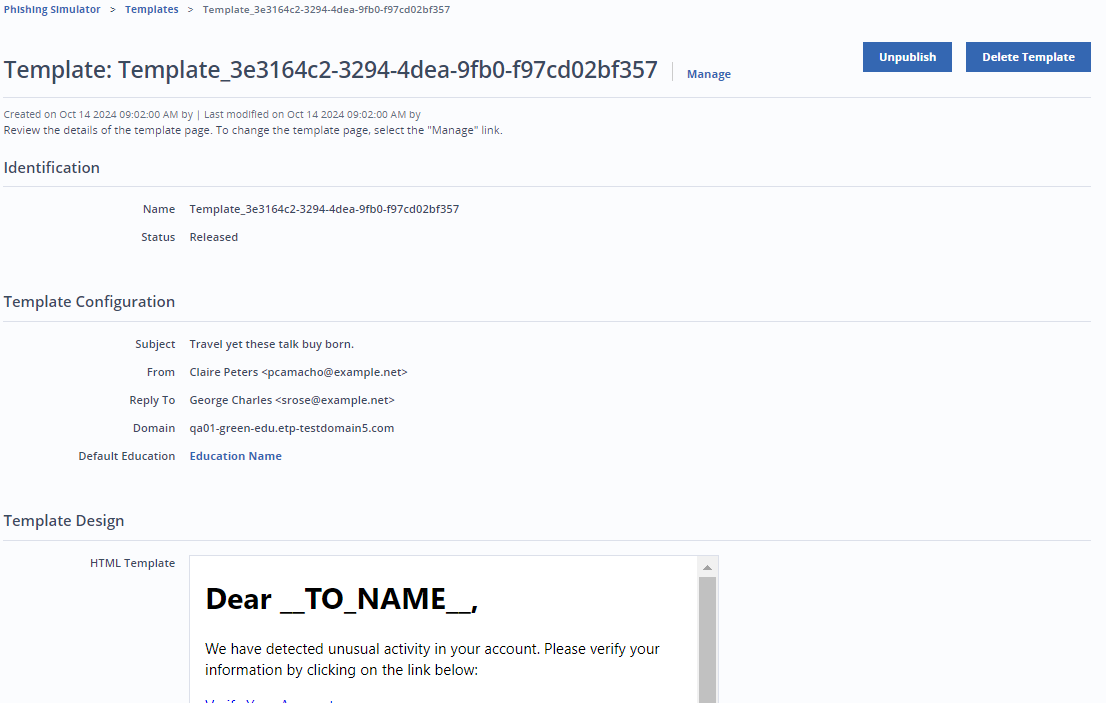
Click the subject line of the template to see details for a template. You will be redirected to the Template details page. The page has all the details of the template and the template design.
You can unpublish or delete a template.