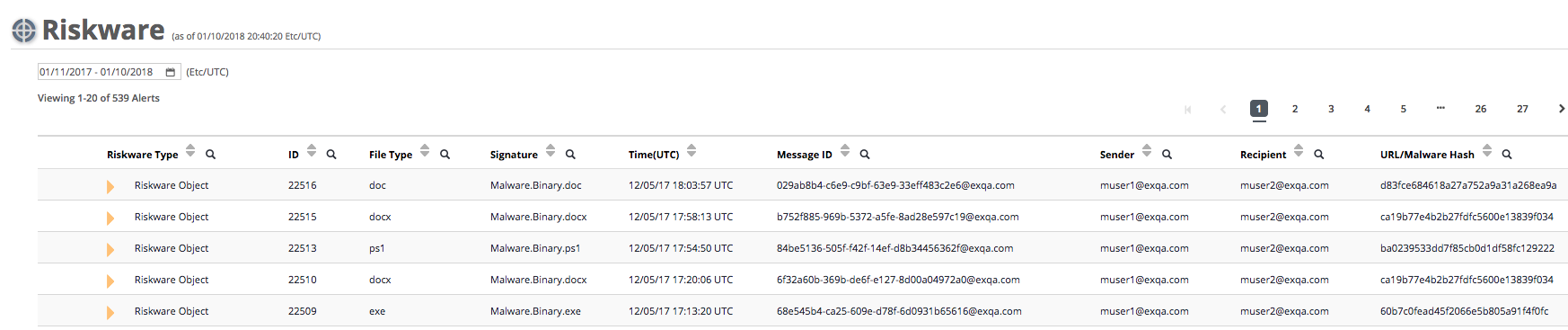
The Riskware page of the Email Security - Server appliance lists the results, grouped by recipient, of the block alerts generated by riskware in emails.
To view the riskware block alert details grouped by recipient:
In the Web UI, click the eAlerts tab.
Click Riskware.
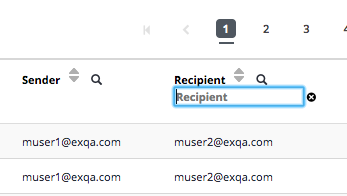
Click the Recipient up/down arrows to sort by recipient. You can search for a particular recipient by clicking on the magnifying glass symbol to open a search window.
To view details for an entry in the Riskware page, click the gold triangle in the first column.