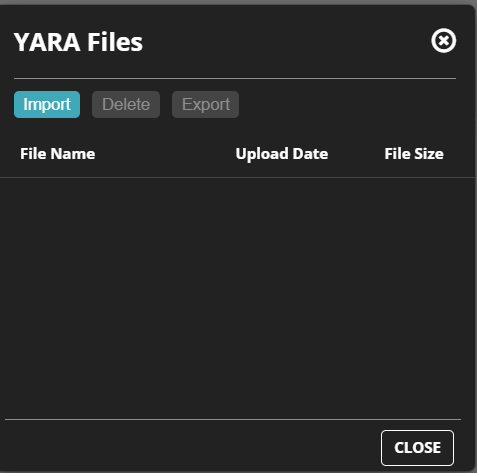
To import a YARA file:
To import a YARA file, click Import in the control area.
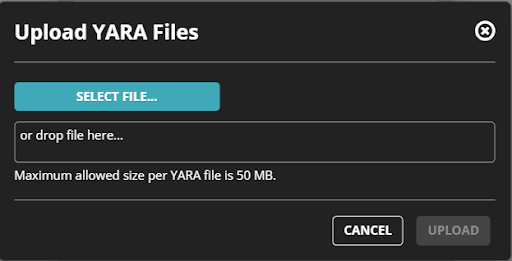
Click Select File to add the YARA file.
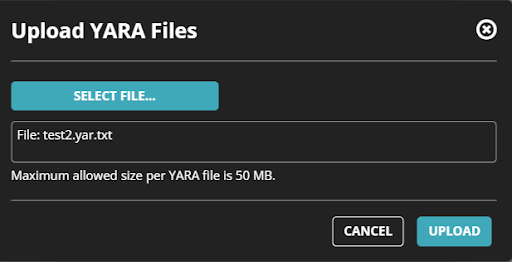
Click Upload to upload the YARA file.
Note
The file upload limit is 50 MBs from the UI and 200 MBs from the APIs.
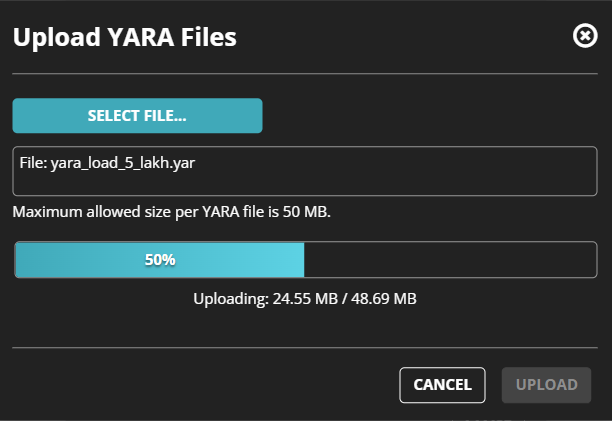
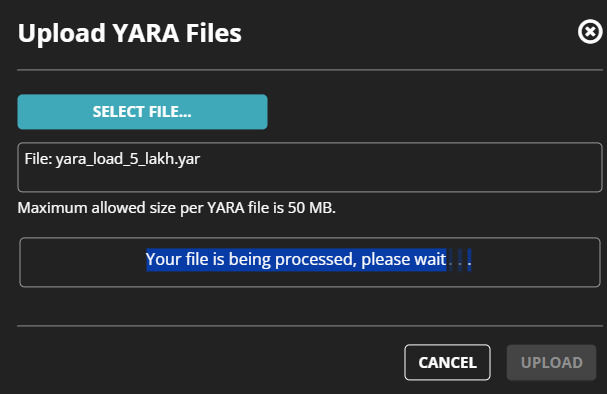
YARA progress bar
A progress bar for the YARA file upload indicates the progression of the upload process.
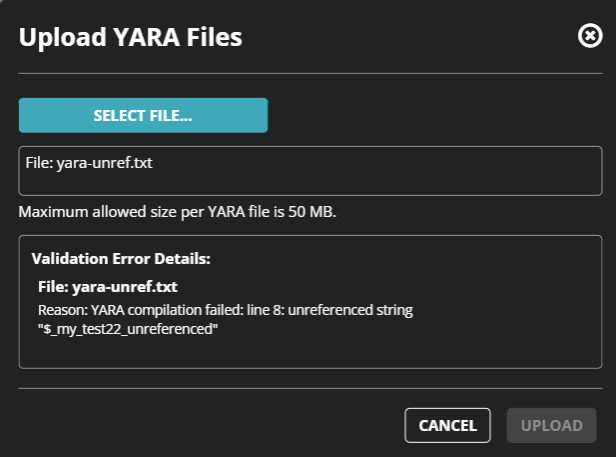
YARA compilation errors
YARA compilation errors are displayed in the UI after the YARA file has been processed:
Note
YARA rules are compiled based on the YARA engine version 4.2.3.