After starting an acquisition, use the Collections dashboard to monitor its status and manage the collected data.
Log in to the Trellix EDR.
Go to Menu → Collections.
Select the endpoint from which you want to view or collect data.
Use the Global filter to search across all the fields in the Collections dashboard.
To manage a collection, select its row to open the summary pane, or click the More Actions icon at the end of the row.
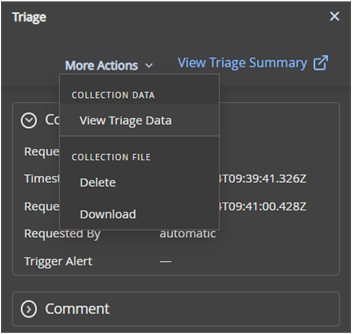
Select an action:
View Triage Summary or View Triage Data: Opens the Forensics workspace for deeper analysis.
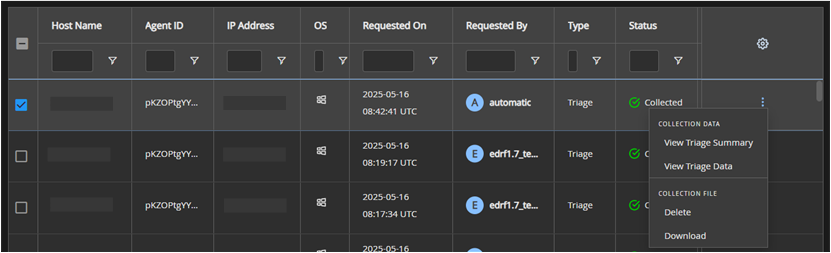
Download: Downloads the collected data as a ZIP file. You must extract the files to review them.
Delete: Removes the collection data.