To view a summary of all alerts for your Endpoint Security (HX) environment in one place, select Alerts from the menu at the top of the page.
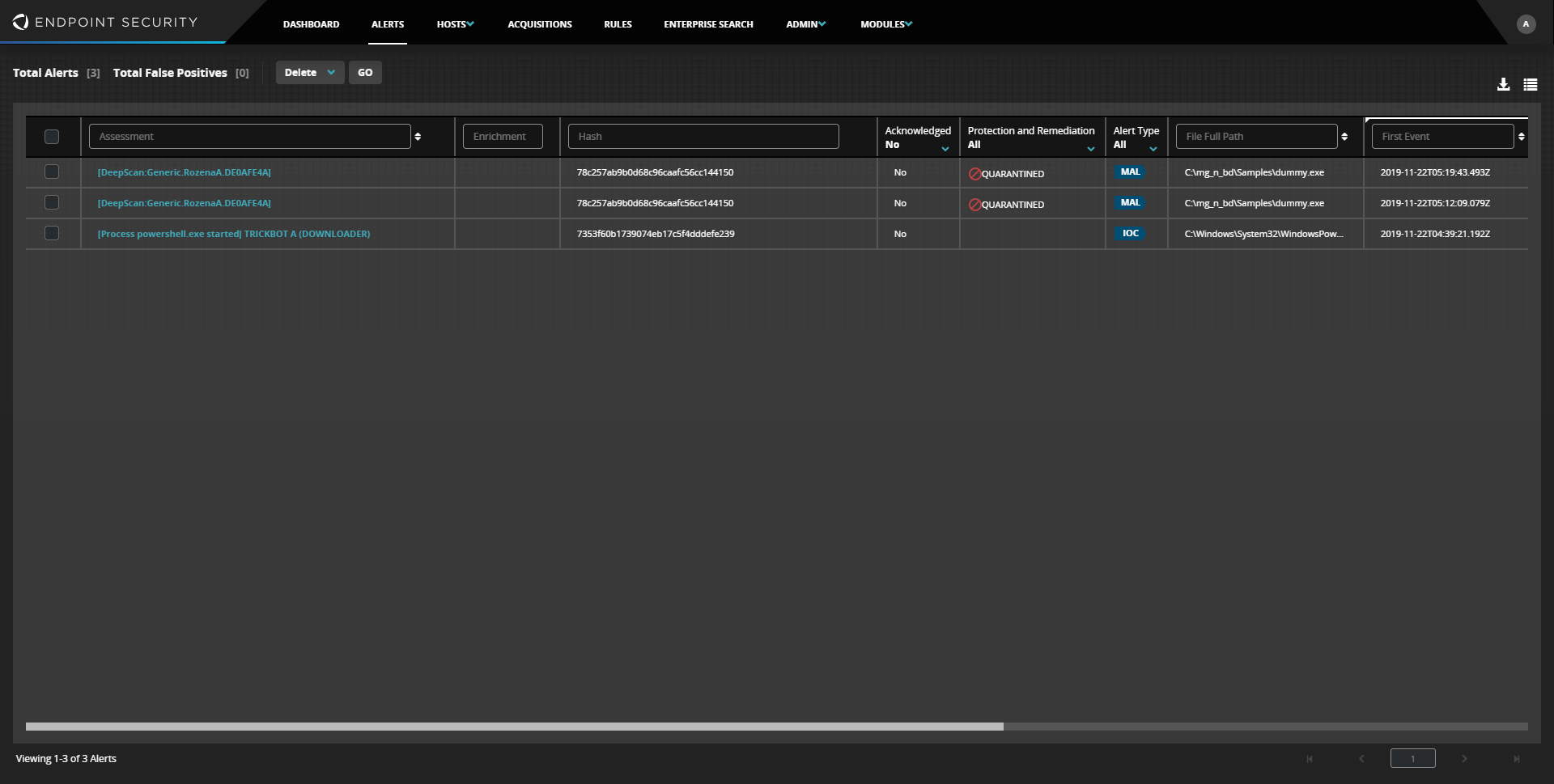
At the top of the Alerts page, you will find a summary of available alerts including the alert count, false positive count, and a option to delete or acknowledge selected alerts.

Total Alerts—Count of all alerts, including those marked as False Positive.
Total False Positives—Count of all alerts marked False Positive.
Delete—Delete or acknowledge selected alerts.