Devices those either allowed or blocked at the endpoint along with other USB device details are captured in the Device Events dashboard as shown in the subsequent tab.
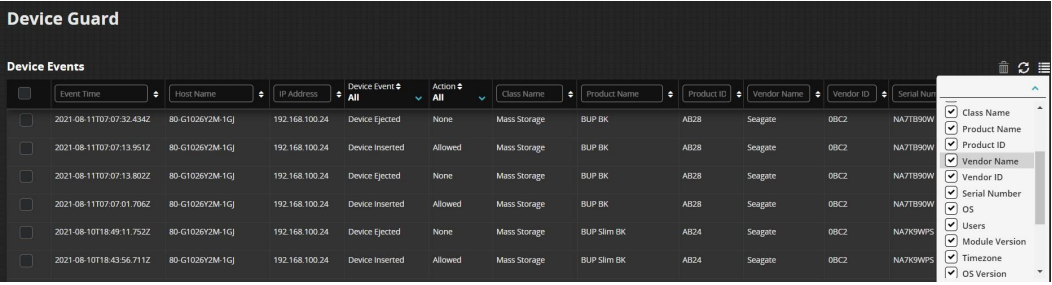 |
When an USB mass storage or MTP device is inserted, the Device Guard module will immediately send that info back to Trellix Endpoint Security. The device details include:
Product Name
Product ID
Vendor Name
Vendor ID
Serial Number
Class Name
Event details
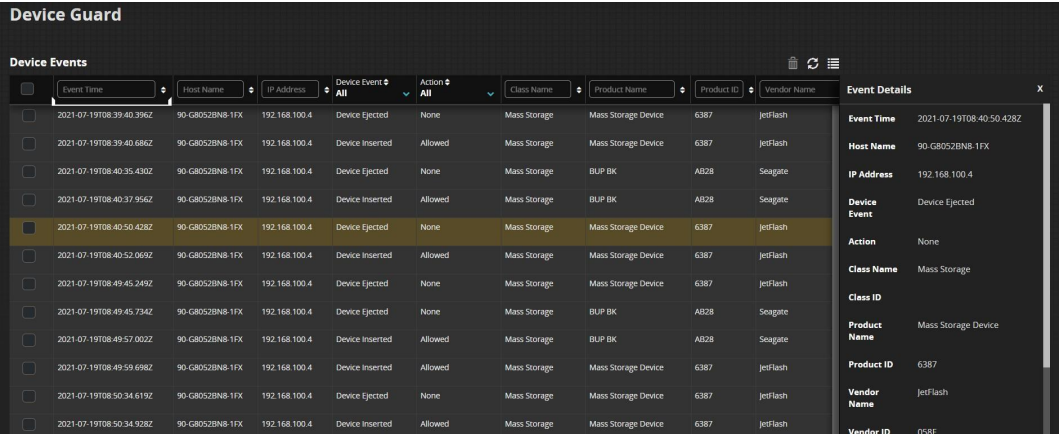
When an event is selected, the event details are shown on the right side of the page as shown below.
 |
Add event to exemption
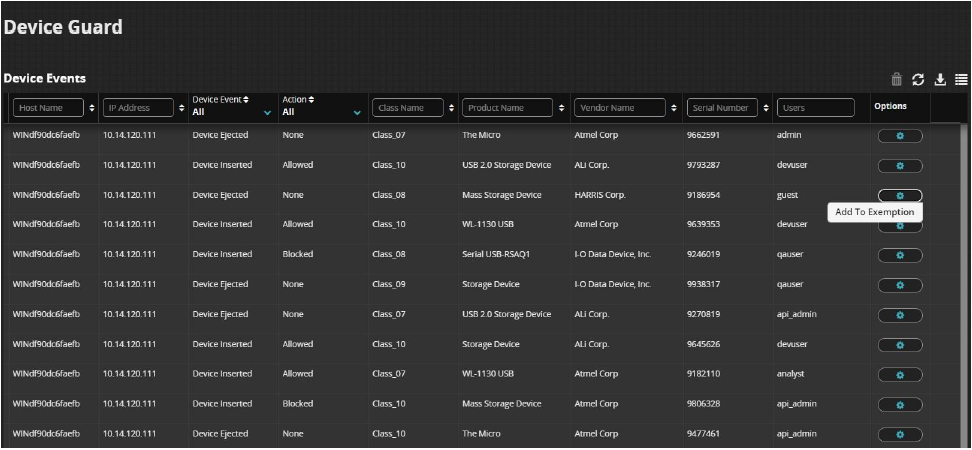
Device Event details can be configured and added to an Exemption from the action column in the Device Events dashboard.
 |
Note
Default time for agent to update the existing exemption content in database is 600 secs (10 minutes). Exemption content subscription is based on a poll mechanism which looks for new content after every 600 secs by default.