The SmartVision alerts list can display alerts without group them. By default, the alerts are sorted by alert generation date and time.
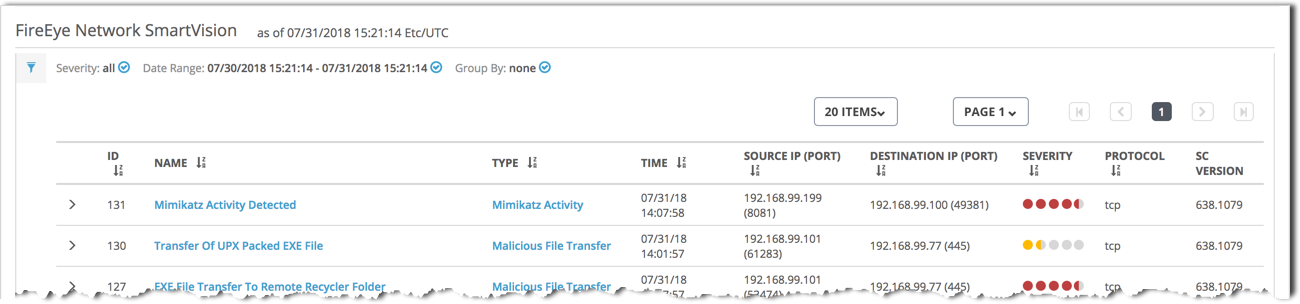
The following table describes the columns in the SmartVision alerts list:
To view more information about an alert in the list, do the following:
Click the rule name (the Name column) to view detailed information about the attacks detected by that rule.
Click the attack type (in the Type column) to view detailed information about attacks of that type.
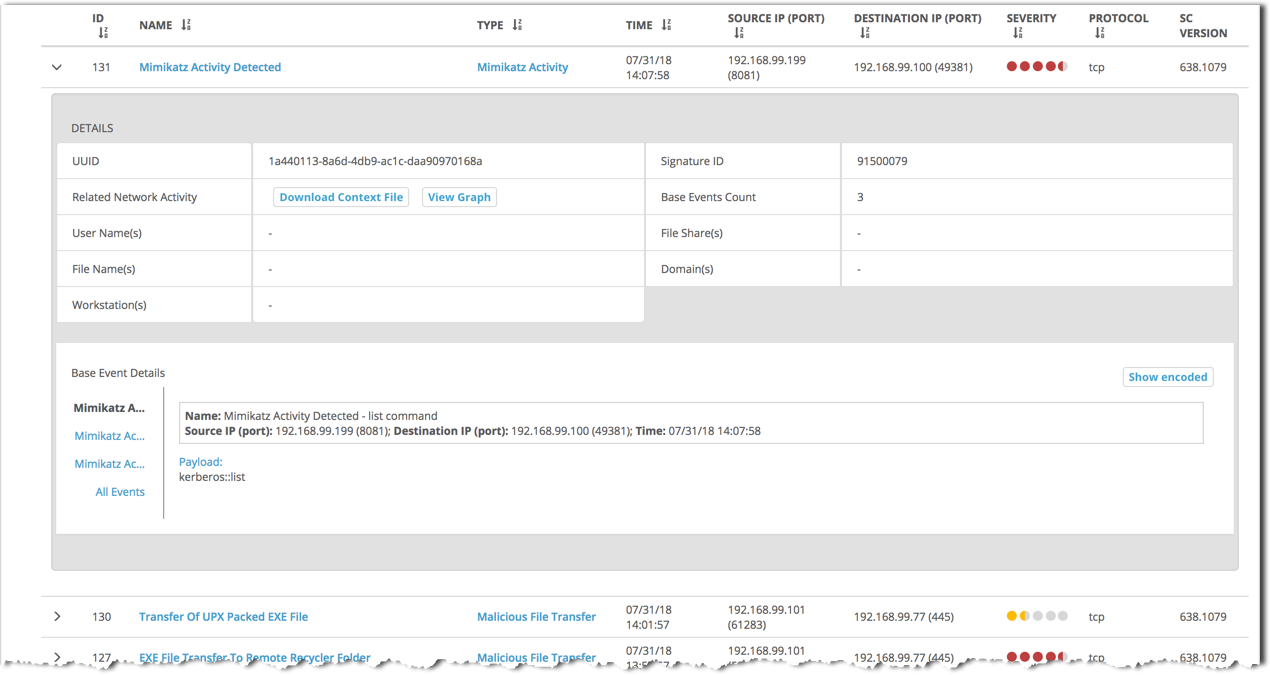
Click the arrow icon (
 ) to expand the alert and show alert details and base events.
For details, see Viewing the SmartVision alerts list using the Web UI.
The following example shows part of a SmartVision alerts list without grouping applied. The Mimikatz Activity Detected alert is expanded to show the alerts details, including the list of three base events for the alert.