You can enter IPv4 or IPv6 address in the Logon Control page in Manager.
To add a network in the Logon Control page, do the following:
Task
-
Select
Manager → <Admin Domain Name> → Setup → GUI Access → Logon Control.
Note
In the Central Manager, select Central Manager → Setup → GUI Access → Logon Control. The fields displayed are similar to that in Manager, explained below.
-
Click
.png) .
The Add a Network page is displayed.
.
The Add a Network page is displayed.Add a Network Dialog 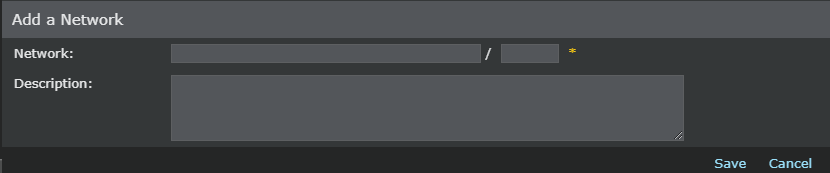
-
In
Network, enter the IP address (IPv4 or IPv6) and the prefix length.
Enter a Description (optional).
- Click Save.