Use this file to discover all available pages before exploring further.
The new docs.trellix.com features a modernized UI and AI-powered conversational search. Content is currently available in English, with additional languages launching in early November 2026. We hope you enjoy the updated experience.
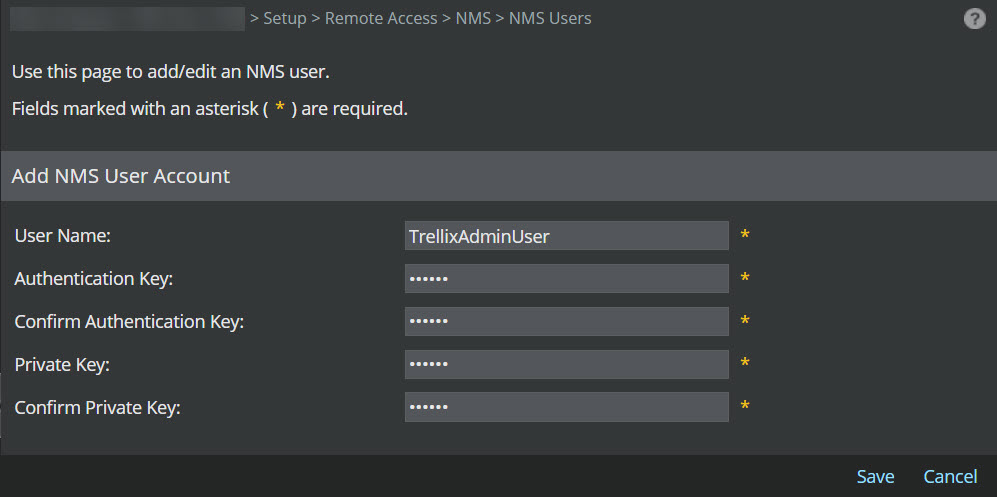
Add NMS User Account dialog The
Add NMS User Account
dialog is displayed.
Enter the
User Name.
Note
The length of the user name should be between 8 to 31 characters. It can consist of alphabets and numerals. Special characters and spaces are not allowed.
Enter the
Authentication Key (re-enter at
Confirm Authentication Key).
Enter the
Private Key (re-enter at
Confirm Private Key).
Note
The length of the Authentication and Private key should be between 8 to 15 characters.
Note
Since the communication is over SNMP version 3, the supported authentication protocol is "SHA1" and encryption algorithm is "AES128".
Click
Save.
The user is now added to the device and is displayed in the
NMS User table.
 .
.