You can add server profiles that will be populated in the
Target Server drop-down list on the
Add a Syslog Notification Profile page.
Task
-
Click
Add beside the
Target Server drop-down list.
The Add a Syslog Server Profile page is displayed.
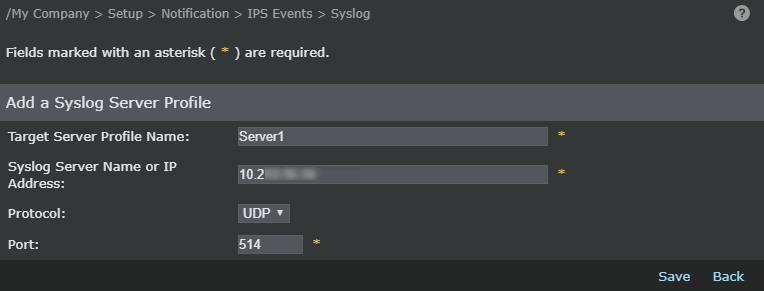
- Enter the Target Server Profile Name.
-
Enter the syslog server name or IP address.
Note
The length of server name has been increased to support up to 255 characters from 40 characters.
-
Select
TCP or
UDP from the
Protocol
drop-down list.
Note
If you select the TCP protocol:
- You will have to provide a certificate when you select the Use SSL checkbox.
- Click Test Connection to check if the connection is successful. If a TCP server is down, at least five attempts will be made to ping the server before a fault is raised.
- Specify the port. By default, the port is set to 514.
-
Click
Save.
Now you can select the server where you want to forward the alert.