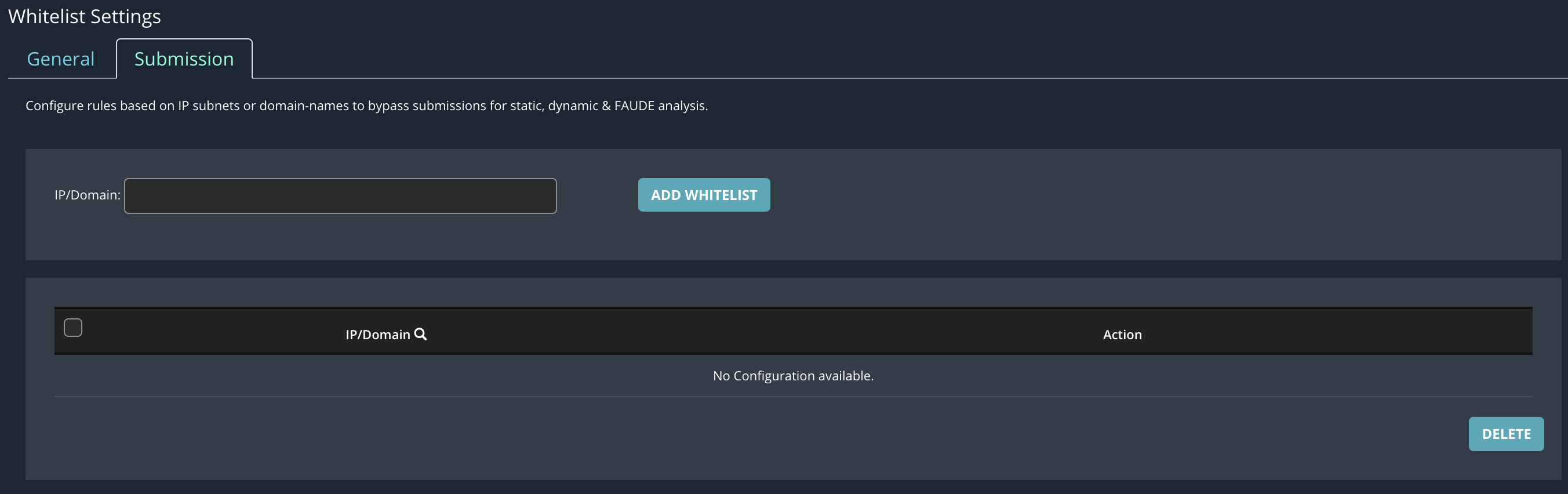
You can add an IP address, subnet or a domain name to a submission whitelist by using the fields of the Settings: Whitelists: Submission page. You can add up to 256 whitelist entries.
To add domains and IP addresses to a whitelist:
In the Web UI, choose Settings > Whitelists > Submission .
In the IP/Domain field, enter the relevant value to add to the whitelist.
Click Add Whitelist.
The following message appears:

Repeat the preceding steps for each additional IP or domain to add to a whitelist.
Close the message.