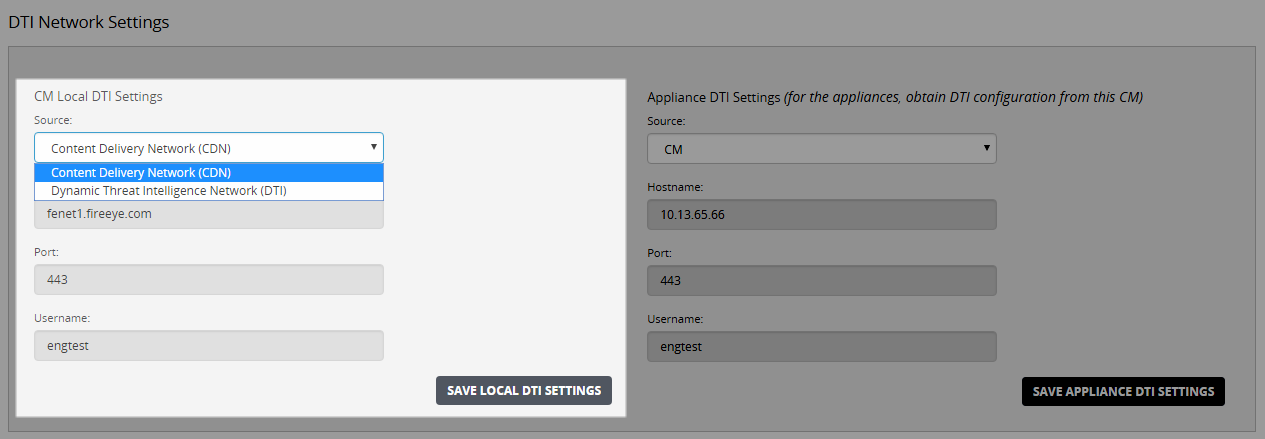
Use the DTI Network Settings page to change the active DTI source setting for a Central Management System appliance.
To change the active source setting:
Select Settings > CM Settings.
Click DTI Network in the sidebar.
In the Source list in the CM Local DTI Settings section, select the DTI the Central Management System appliance will use for software updates.
Click Save Local DTI Settings.