To configure the Bypass Switch in tap mode perform the following steps.
Type
set tap_modeon the CLI command prompt.Type 1 to set the tap mode On or 0 to set the tap mode Off.
OR
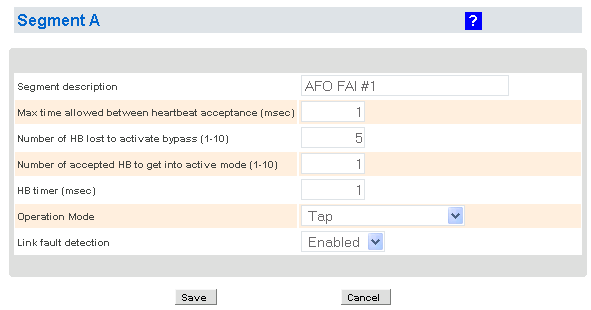
Log on to the web management interface and select Segment A on the left menu. Set the Operation Mode as Tap and click Save.
Note
You can configure the Bypass Switch to tap mode only using CLI. Tap mode cannot be set using the Manager.
To verify if the connection is in tap mode, navigate to Device List → Sensor_Name → Physical Device → Port Settings, and in the corresponding port pair TAP is displayed.
In the Operating Mode, In-line Fail-open Active (Port Pair) is displayed.