To configure the appropriate snort engine at a global level, perform the following steps.
Task
-
Go to
Devices → <Admin Domain Name> → Global → IPS Device Settings → Advanced Device Settings.
The default engine selected is the Trellix IPS Snort engine.
-
To select the snort engine, click the
Snort Rule Engine dropdown and select the
Suricata Snort.
A pop-up appears asking you to confirm your changes and informing you that a reboot will be necessary for the change to take effect.
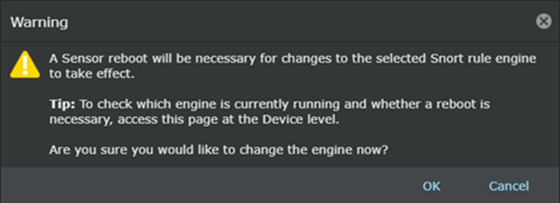
- Click OK and then click Save at the bottom of the page.
-
Reboot the Sensors which require this change.
After the reboot, the Advanced Device Settings page of the Sensor displays Suricata Snort.