Use the Policy Settings page to configure the Network Security appliance to receive network traffic from the SPAN ports of a device with port mirroring capabilities.
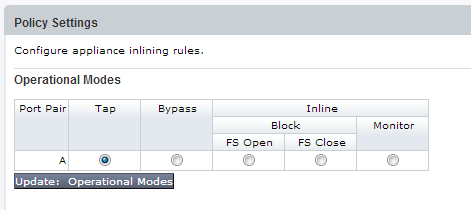
In SPAN mode, you can configure the appliance with one or two network port pairs. The following example shows one network port pair.
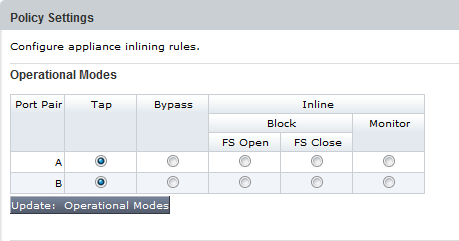
The following example shows two network port pairs.
Prerequisites
Operator or Admin access
To configure SPAN mode:
Click the Settings tab.
Click Inline Operational Modes on the sidebar.
Select the TAP operational mode for all available port pairs.
Click Update: Operational Modes.