Follow these steps to define the default settings for all syslog servers.
Prerequisites
Admin or Operator access to the Network Security appliance web GUI.
To set the default Syslog Settings:
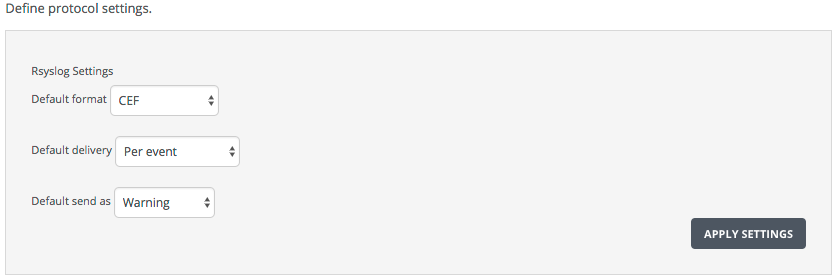
Go to the RSyslog Notifications Settings page and go to the add Define protocol settings box:
On the Settings tab, select Notifications from the side tab. Select RSYSLOG on the Notifications Settings tab.
Set the default syslog format.
Set the default alert notification delivery method.
Set the default alert severity level.
Click Apply Settings.