To select an out-of-band drop interface and configure its gateway IP:
Log in to your Network Security appliance Web UI.
In the Settings page, select Inline Operational Modes from the left pane.
In the Gateway Configuration section, select the interface from the drop-down menu as ether1 or ether2.
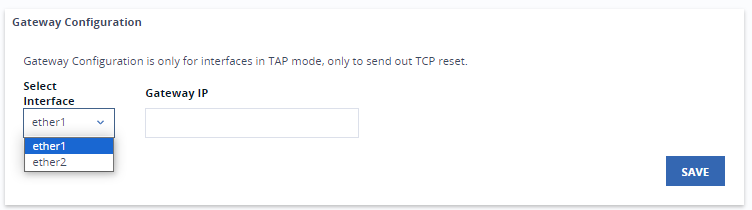
Type the gateway IP address for the selected interface.
Click Save to save your settings. A confirmation message will appear on your screen.