The Console port on the NS3600 Sensor is used for setup and configuration of the Sensor.
Steps:
For console connections, plug in one end (RJ45) of the console cable supplied by Trellix into the Console port on the Sensor.
This port is labeled Console/USB in the Sensor front panel.
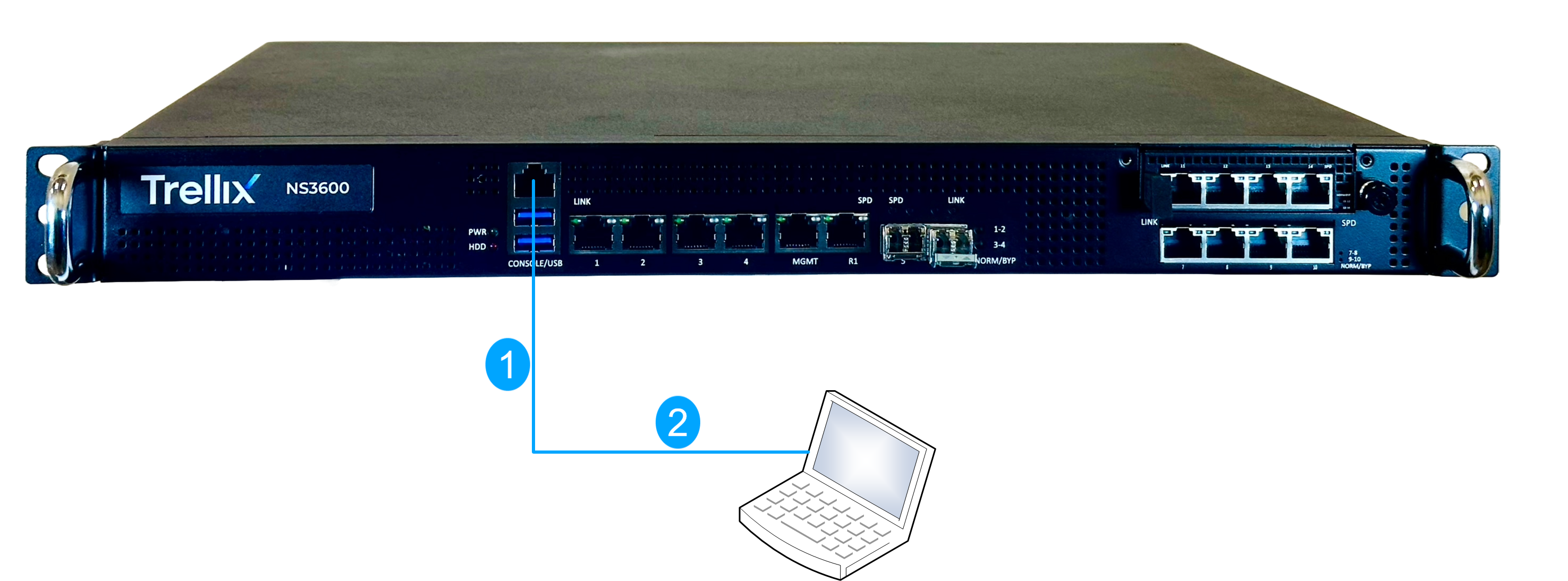
Connect the other end (DB9) of the Console port cable directly to a COM port of the computer or terminal server you will use to configure the Sensor, for example, a computer running correctly configured Windows HyperTerminal software (i.e., PuTTY).
You must connect directly to the console for initial configuration; you cannot configure the Sensor remotely. Terminal servers are provided for console access. Required settings for HyperTerminal are listed below:
Name
Setting
Baud rate
115200
Number of bits
8
Parity
None
Stop bits
1
Flow control
None
Turn on the Sensor.