You can define domains for inviting new users. On specifying a domain or creating a list of domains, you need not enter full email addresses of new users. The Invite User pop-up on the Users & Roles page will already show the list of domains.
On activating this option, you cannot invite users having email addresses belonging to domains not specified.
To define allowed domains:
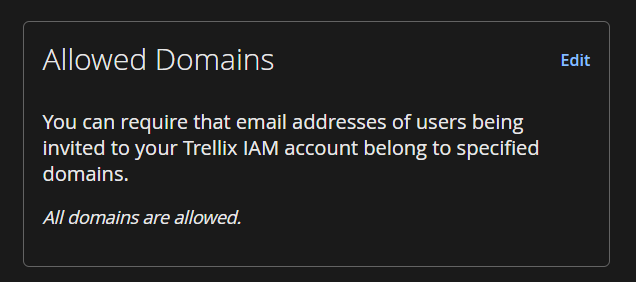
In the Allowed Domains tile, click Edit.
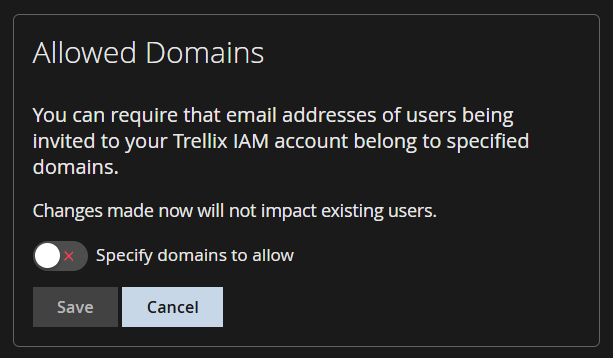
Use the toggle button to specify domains.
Enter the domain. Use the + button to enter multiple domains.
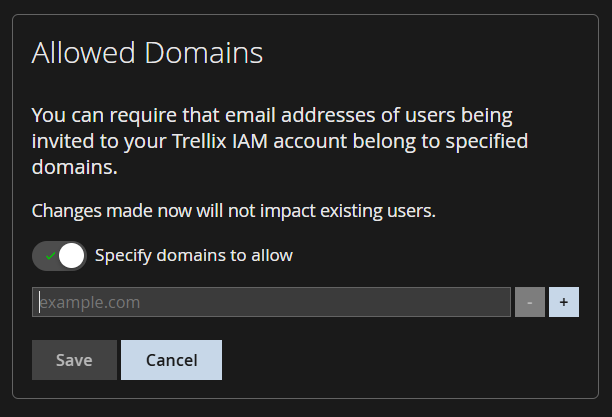
Select Save.