Follow these steps to delete a graph section from a custom report for managed appliances using the Central Management System appliance Web UI.
Note
You can delete a graph section from a custom report only using the Web UI.
Access to the Web UI of the Central Management System appliance as Admin, Analyst, or Monitor
You have added one or more graph sections to a new custom report for a managed appliance using the Central Management System Web UI. For details about how to add a graph to a section of a custom report, see Adding graph sections to a custom report using the Web UI .
In the Custom Reports page, locate the graph section you want to delete.
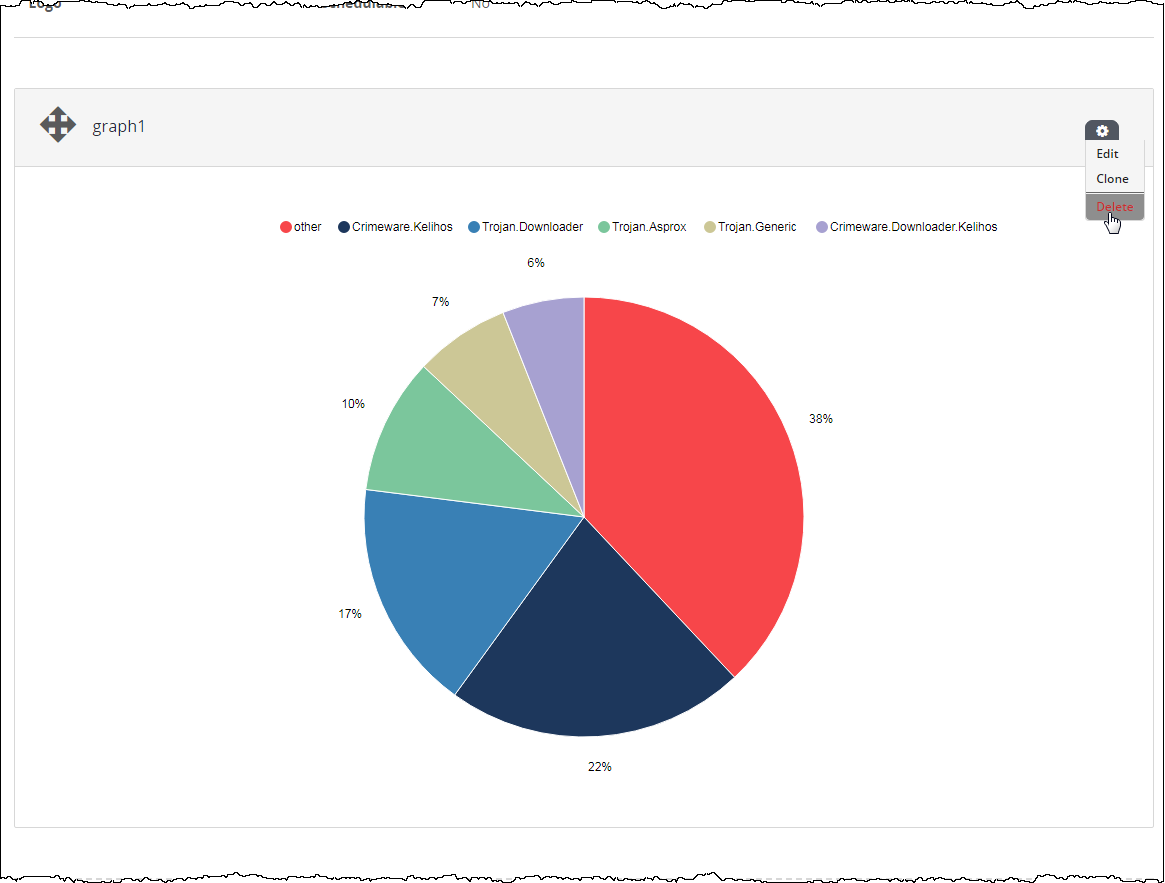
Click the action icon (
.png "CM_AlertMgmtAction_icon.png") ).
).Click Delete.
The graph section is removed from the custom report.
Note
You must generate the report for the changes to take effect.