Follow these steps to manually delete a tag from a Network Security alert in the Alerts page on a Central Management System appliance using the Web UI.
Note
You can delete tags in the Alerts page only using the Central Management System appliance Web UI.
Access to the Web UI of the Central Management System appliance as Admin or Analyst
Admin access to delete a restricted tag
In the Central Management System appliance Web UI, choose Alerts > NX > Alerts.
In the table on the NX: Alerts page, locate the tag you want to delete from an alert.
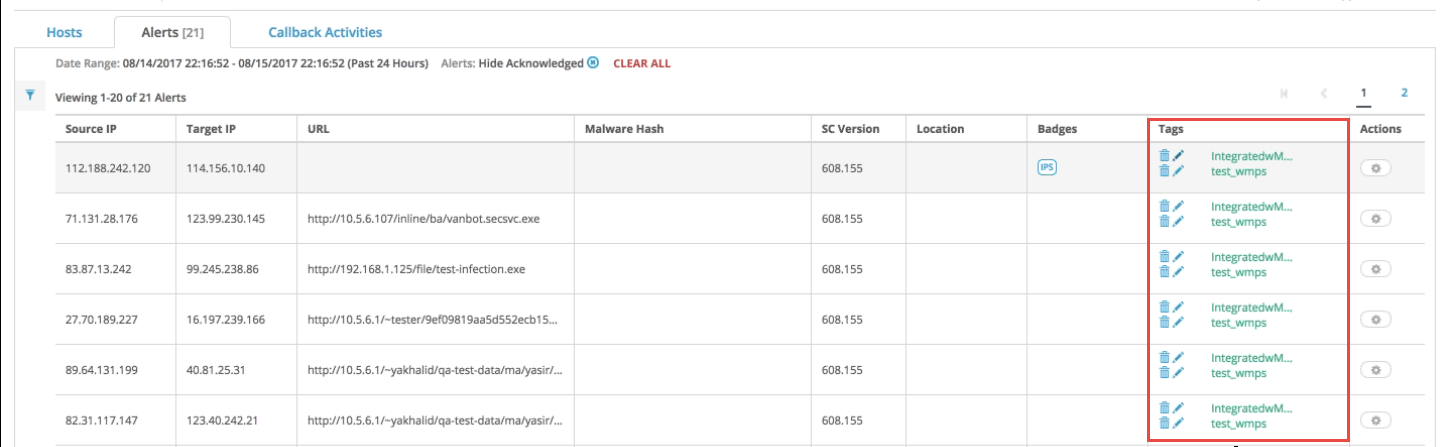
Click the delete icon (blue trash can) next to the tag you want to delete. A dialog box prompts you to confirm your changes.
Click Yes.
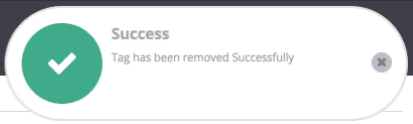
The tag is removed from the alert on the event results table. The following message appears: