Follow these steps to delete an SSL CA certificate that is trusted by a trusted public CA or your own organization or that acts as an untrusted certificate.
Note
You cannot delete an SSL interception CA certificate if it is already configured for the network port pair.
To delete an SSL CA certificate:
In the Web UI, choose Settings > SSL Intercept.
Click Upload SSL Certificate.
In the table, locate the SSL CA certificate you want to delete.
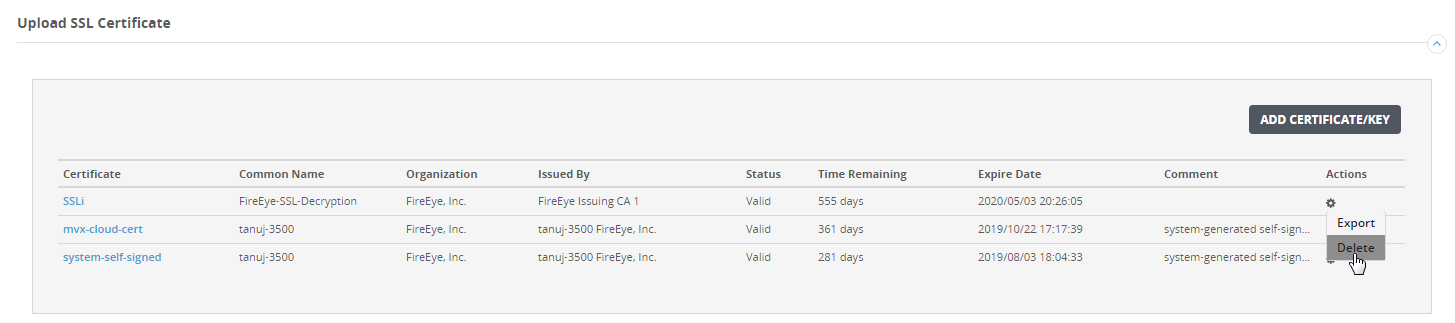
Click the action icon (
.png) ) in the Actions column.
) in the Actions column.Click Delete.