To delete scheduled reports using the Web UI, use the Generated Reports section of the page.
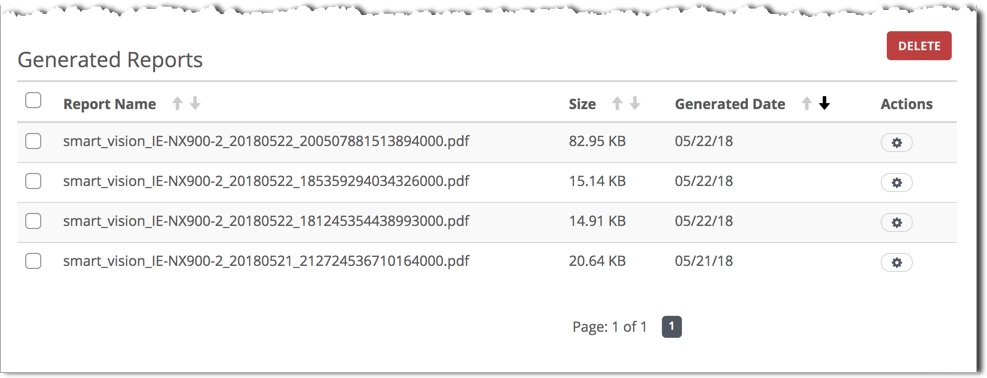
A scheduled SmartVision alerts report can be deleted using the Web UI or CLI.
Prerequisites
To delete generated reports:
In the Generated Reports table, locate the generated reports you want to delete.
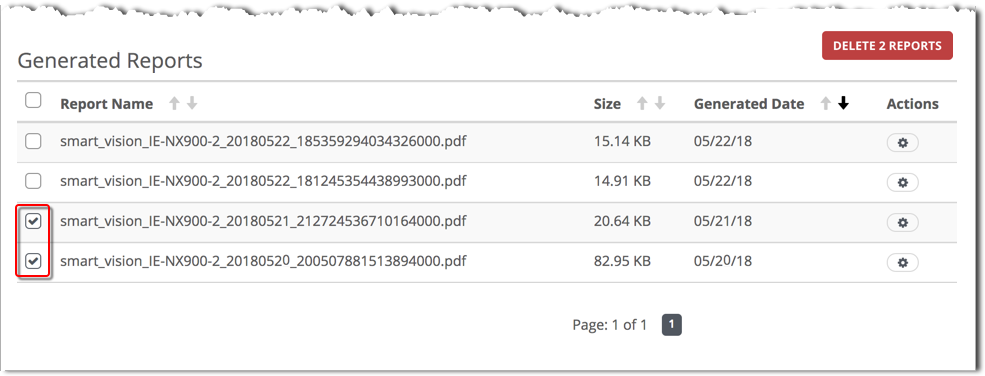
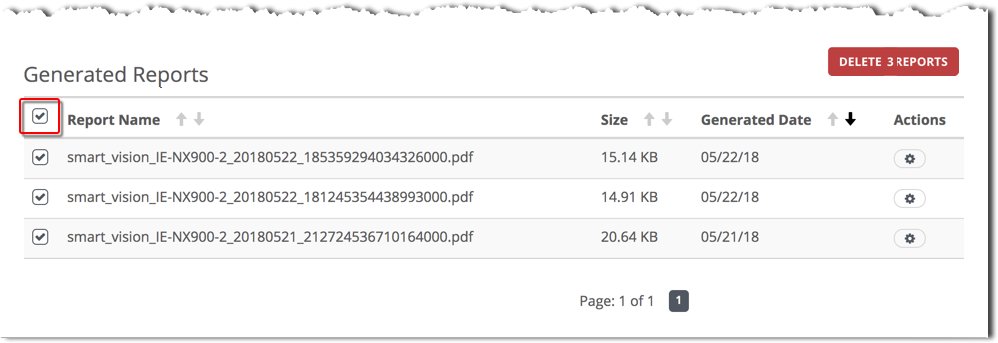
Delete a single report, multiple selected reports, or all reports.
To delete a single report, click the Actions icon for that report and select Delete.

To delete multiple reports, select checkboxes and click Delete Reports.
To delete all reports, select the first checkbox and click Delete Reports.
Click OK.