Prerequisite:
You must obtain the AMI image by contacting Trellix support with your AWS account number and region name.
Steps:
To deploy an IPS Manager in AWS, perform the following:
Log in to the AWS console, and navigate to Services → Compute → EC2.
In the left panel, under IMAGES, click AMIs.
Search for the AMI Name of the Manager (
Trellix_vIPS_Manager_11.1.7.x) and click Launch.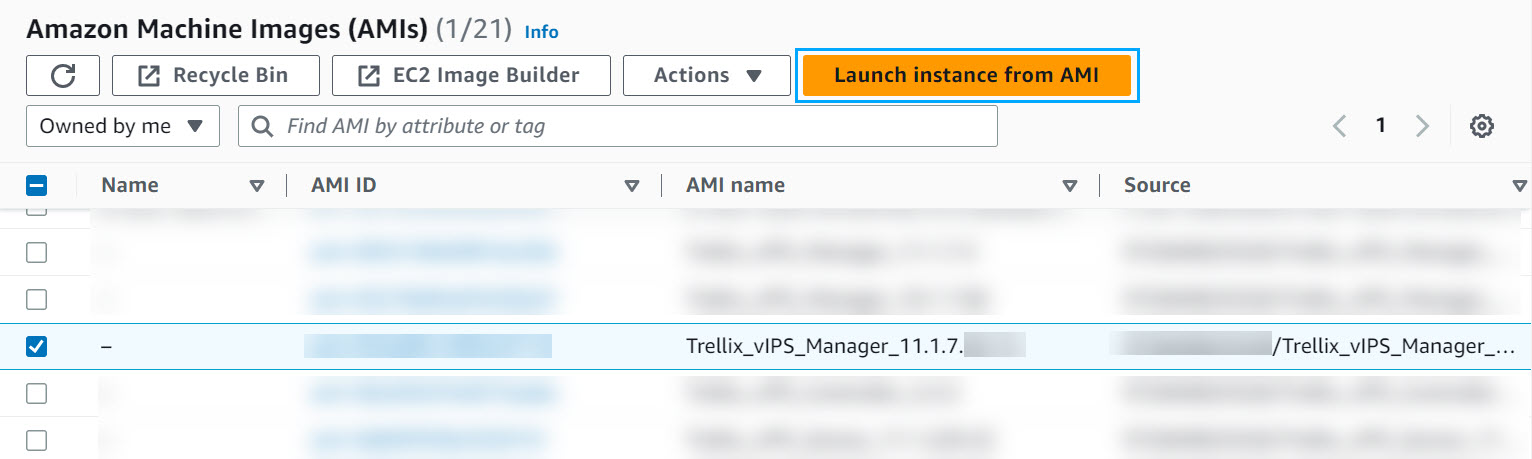
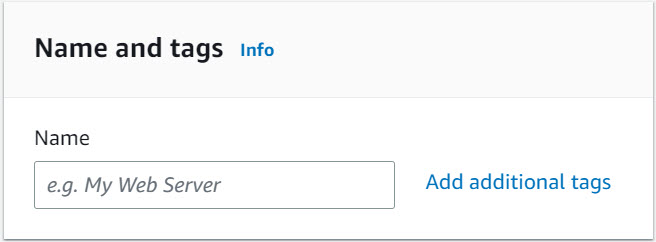
Go to Name and tags to define a name and tag for your Manager instance.
Go to Instance type, and select the instance type as c7i.2xlarge.
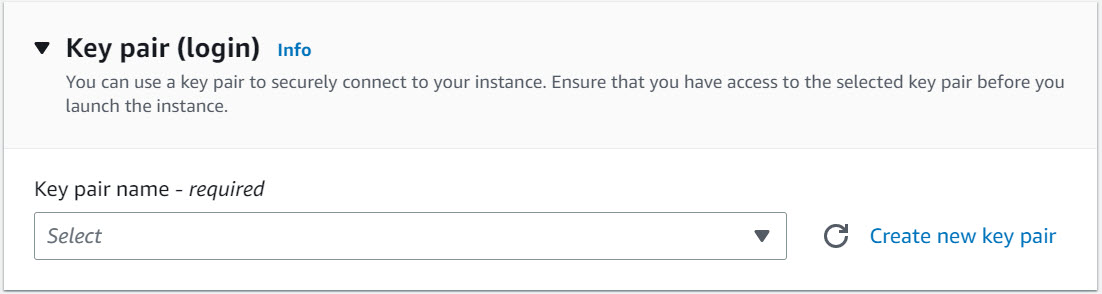
Go to Key pair (login), you can either choose an existing key pair or create a new key pair.
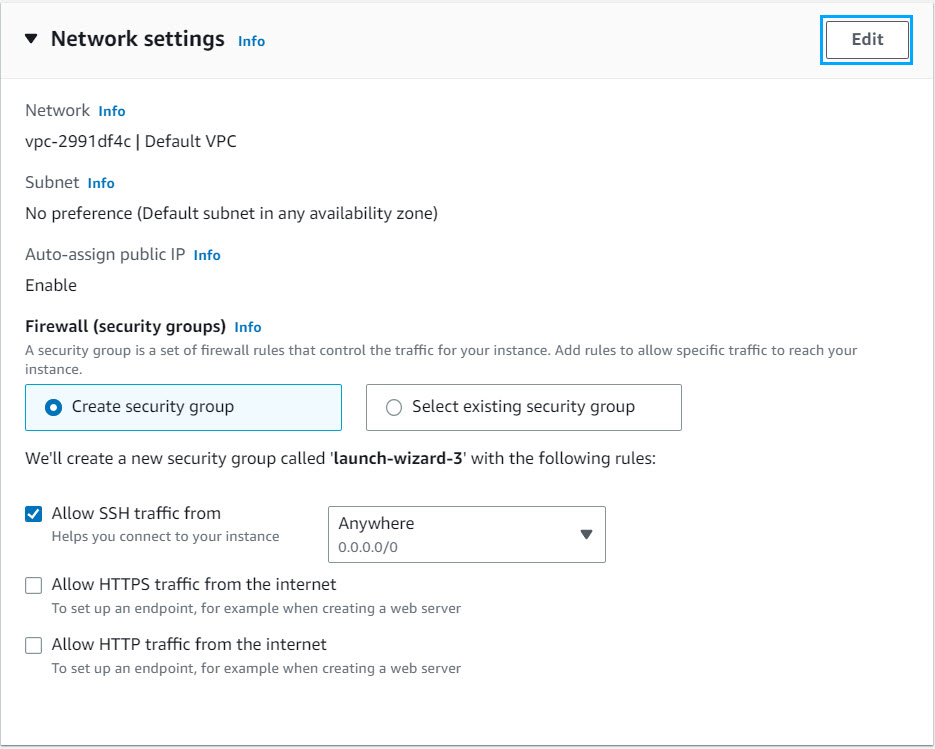
Go to Network settings, and click Edit to update the settings. In the VPC drop-down, select the VPC where the Manager has to be deployed. Select the Management subnet from the Subnet drop-down. If you intend to enable auto-assign public IP, select Enable from Auto-assign public IP drop-down. You can choose Create security group or Select existing security group from the Firewall (security groups).
Note
Trellix recommends deploying the Manager in the private subnet.
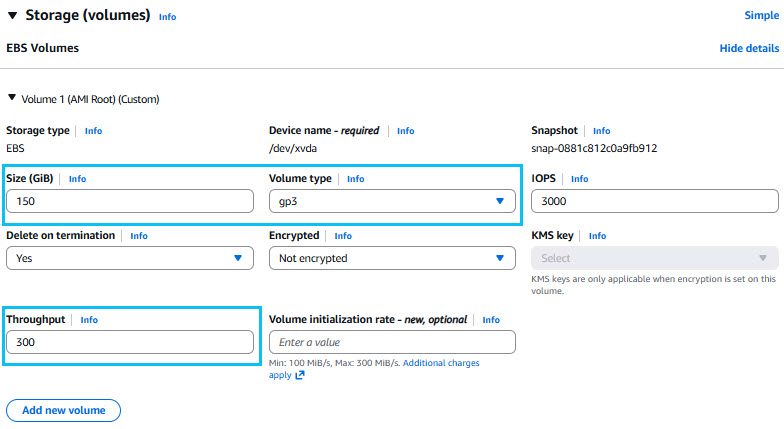
Go to Storage (volumes), provide the size as 150 GiB, and select gp2 from the drop-down.
When you are deploying Trellix OS, provide the size as 256 GiB, and select gp3 from the drop-down. Next, select the Advanced option and enter 300 Mbps for the Throughput value.
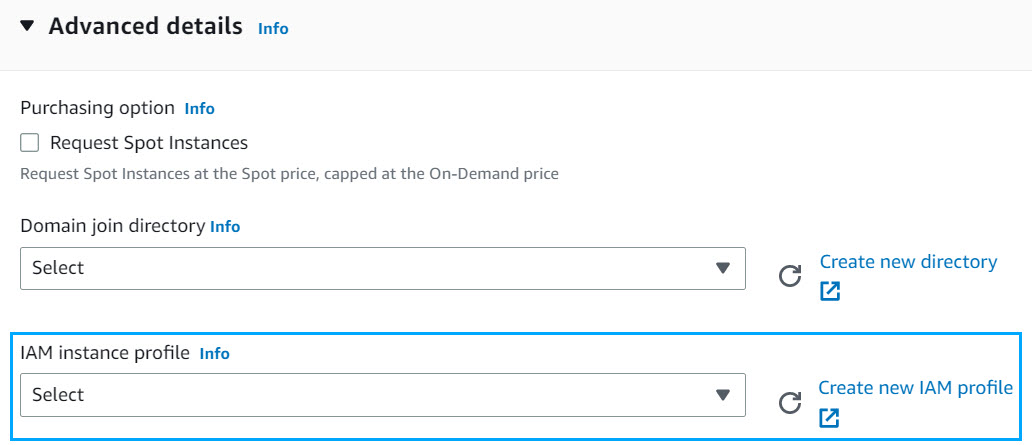
(Optional) Go to Advanced Details, and configure the IAM role from the IAM instance profile drop-down.
Note
This configuration is required only while using the autoscaling group.
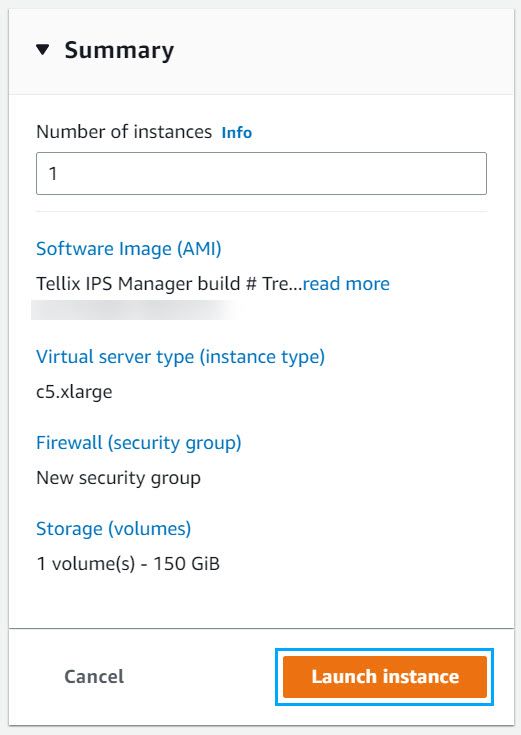
Review the configuration details provided for deploying the instance from Summary. Edit any details if required, and then click Launch Instance.
(Optional) You can configure the cloud access details for the local controller once the Manage instance is running.
The Manager virtual machine is deployed.
Note
The installation procedure requires 10 minutes for configurational settings. Therefore, the Manager is accessible only after the downtime.
Note
Trellix recommends you reboot the system once it is up and running.