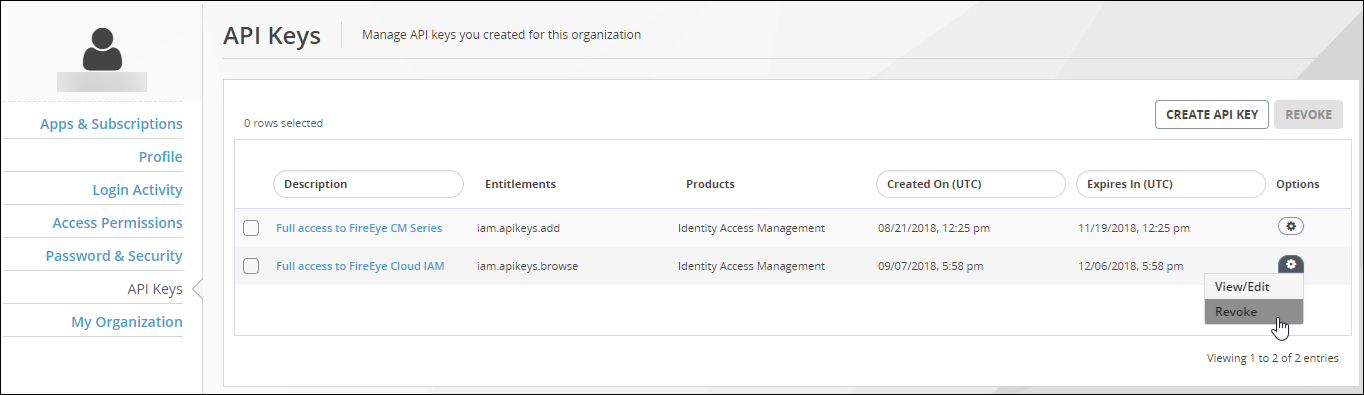
To edit an API key created using your Trellix Cloud user account, start at the API Keys view of the My Settings > API Keys page. This view lists the API keys created using your Trellix IAM account.
Prerequisites
To edit an API key created using this account:
Log in to the Trellix IAM Web UI.
Select My Settings > API Keys.
The page displays the list of API keys you created.
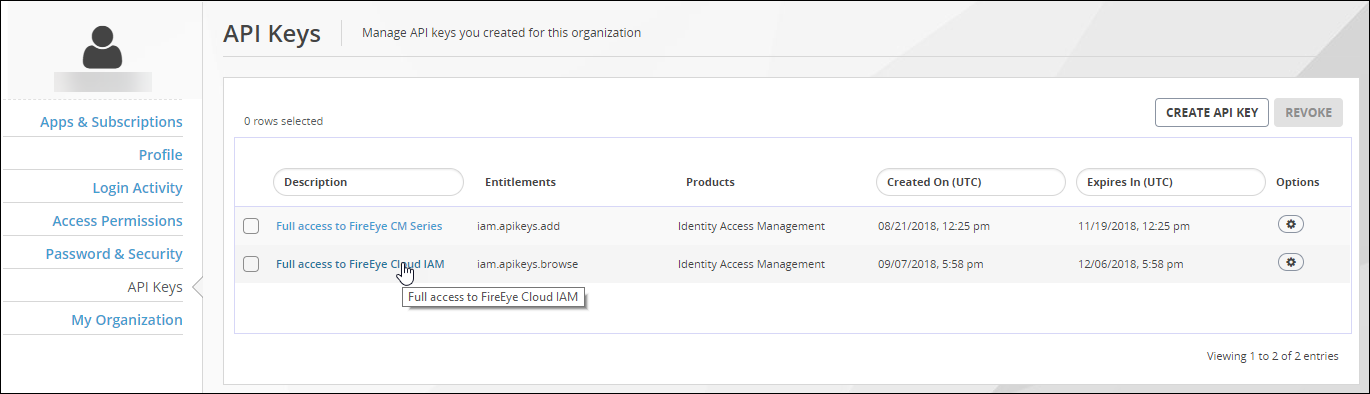
View the API key details. Use either of the following methods:
Click the text in the Description column.
Click the Options icon and select View/Edit.
The page shows the entitlements granted by the API key.
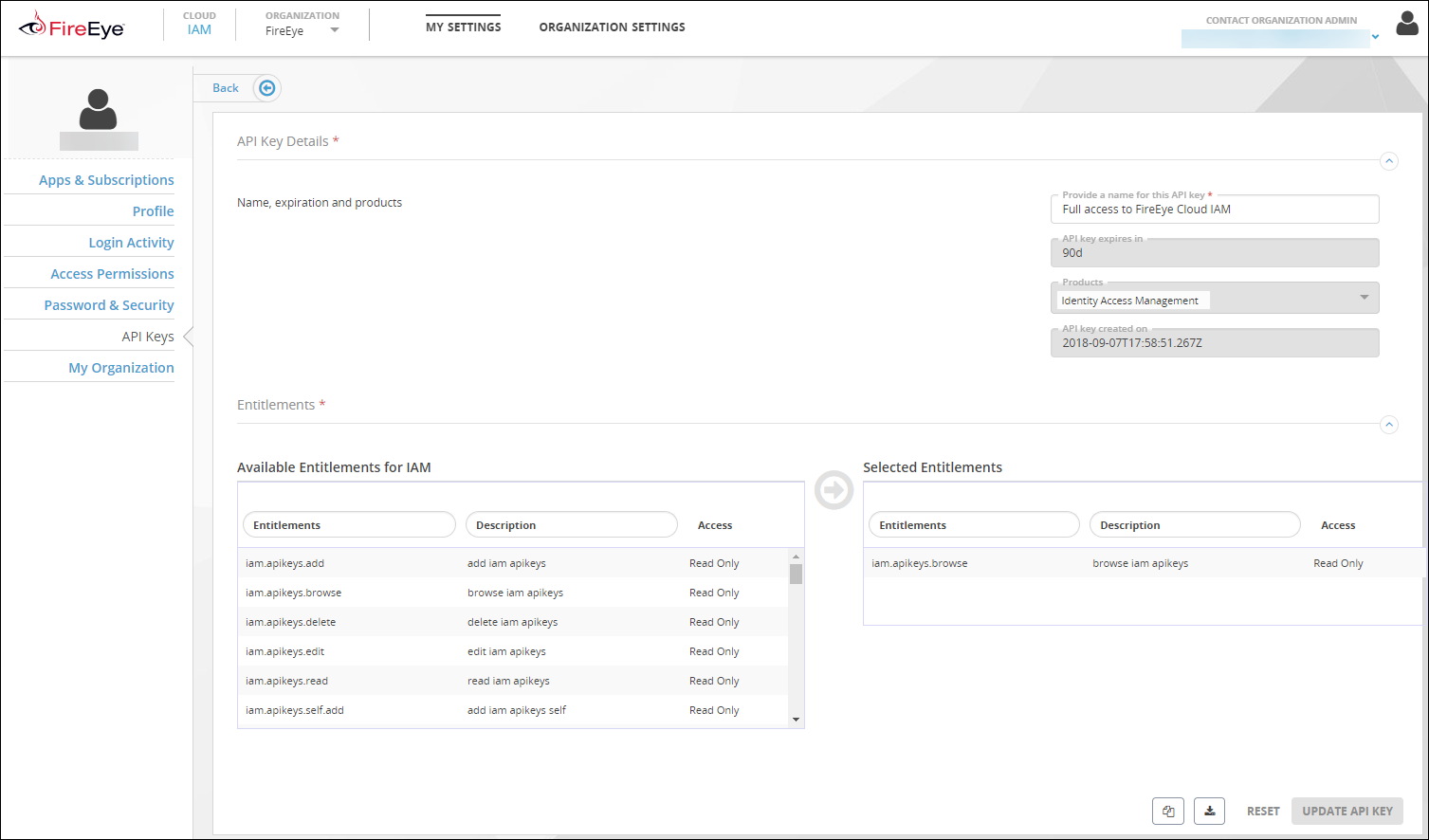
Edit the name of the API key.
Click Update API Key.