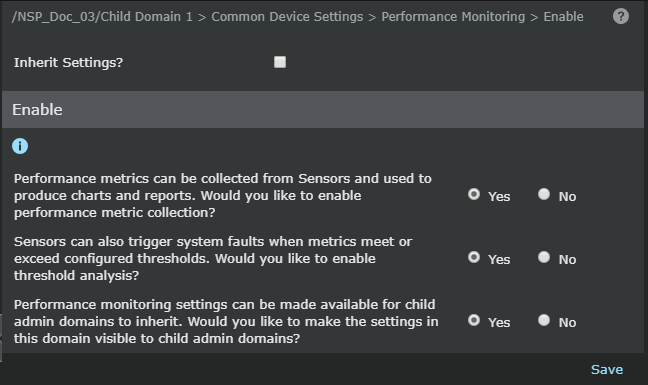
The Enable page at the child admin domain level provides the option to enable or disable performance metric collection with choices relevant to the child admin domain. The choice to inherit or not inherit the settings from the parent admin domain is available at the child admin domain.
Follow this procedure to enable or disable inheritance of settings from the parent admin domain:
Task
- Select Devices → <Child Admin Domain Name> → Global → Common Device Settings → Performance Monitoring → Enable.
- Select the checkbox against Inherit Settings? to inherit settings from the parent admin domain. Deselect this checkbox to disable inheritance of settings from the parent admin domain.
-
Click
Save.
Inherit settings from the parent domain