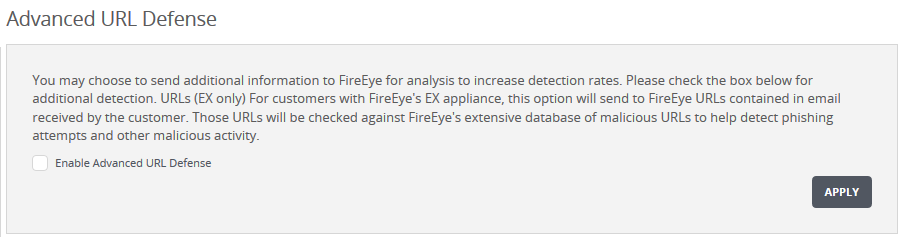
Use the Settings: Advanced URL Defense page to enable or disable the Advanced URL Defense feature using the Web UI.
Important
If your Network Security appliance is managed by a Central Management System appliance, you must use the Central Management System Web UI (not the Network Security Web UI) to enable or disable this feature. The Central Management System appliance will apply the setting globally to all qualified Network Security appliances that are connected or will be connected to that Central Management System appliance. An Network Security appliance is qualified if it has a two-way CONTENT_UPDATES license and is running Release 7.8.0 or later.
Go to the Settings > Advanced URL Defense page.
Select or clear the Enable Advanced URL Defense check box to enable or disable the feature.
Click Apply.