To enable or disable the ICAP service on a supported Network Security appliance using the Web UI, use the ICAP Settings page.
Prerequisites
Administrator access to the Network Security appliance.
Choose Settings > ICAP.
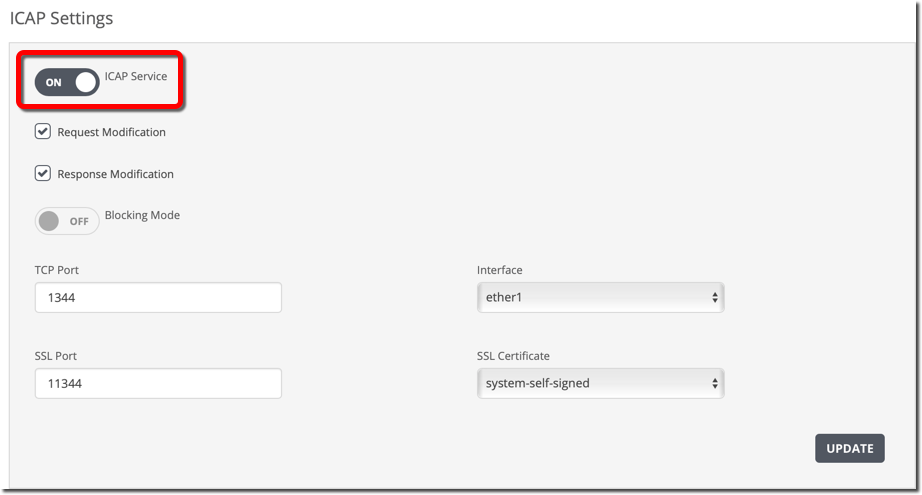
Click the ICAP Service toggle button.
The toggle button displays "ON" to show that the Network Security appliance can act as an ICAP server to perform detection on ICAP-encapsulated data.
Click Update.
Make sure the third-party device is configured so that the device can act as an ICAP client. For details, see ICAP client configuration prerequisites.
Choose Settings > ICAP.
Click the ICAP Service toggle button.
The toggle button displays "OFF" to show that the Network Security appliance cannot act as an ICAP server to perform detection on ICAP-encapsulated data.
Click Update.