Use the SSL Intercept Settings page to enable or disable SSL interception on one or more network port pairs using the Web UI.
In the Web UI, choose Settings > SSL Intercept.
Select the checkbox next to the port pair you want to enable for SSL interception. You can select multiple entries at one time.
Click Enable SSL Intercept.
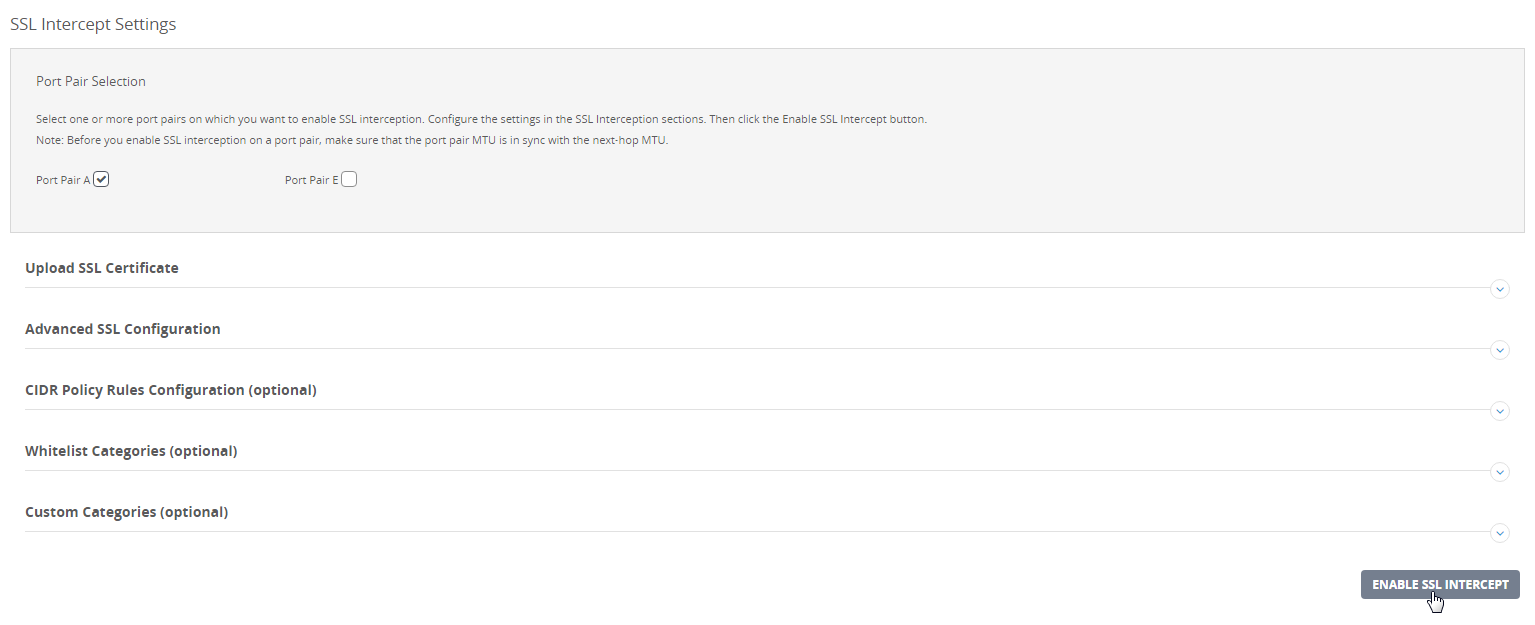
SSL interception is enabled on the port pair that is currently configured on the appliance interface for inline deployment. The following message appears:
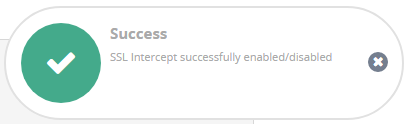
Close the message.
In the Web UI, choose Settings > SSL Intercept.
Clear the checkbox next to the port pair you want to disable for SSL interception. You can select multiple entries at one time.
Click Update SSL Intercept.
SSL interception is disabled on the port pair that is currently configured on the appliance interface for inline deployment. The following message appears:
Close the message.