By using this option, you can grant the support team permission to log in to your account with administrative access for troubleshooting. You can also set the time period for accessing your account.
To enable support access:
In the IAM dashboard page, hover over
 in the upper-right corner and select Tenant Settings.
In the Support Access tile, click Edit.
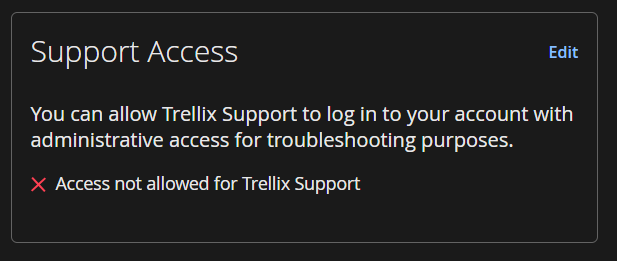
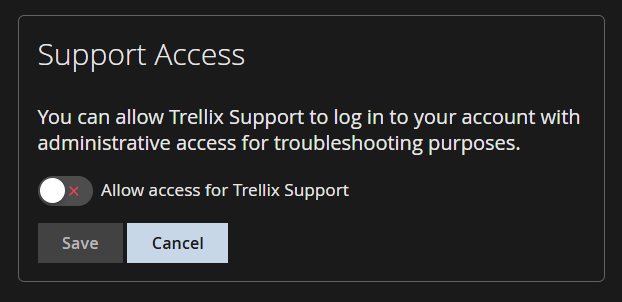
Enable the Allow access for support toggle button.
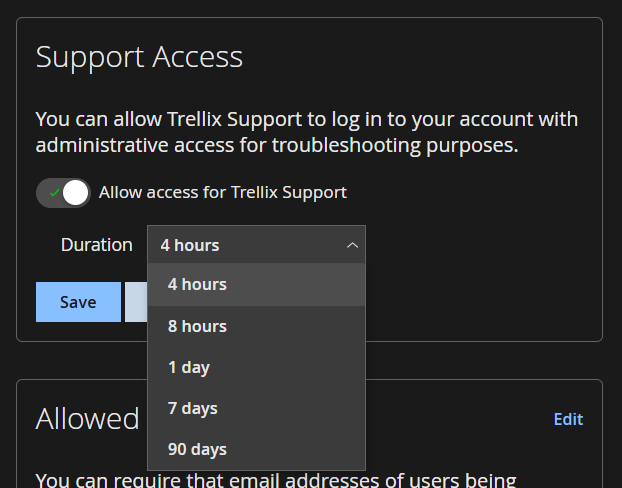
Select a duration for access from the drop-down menu: 4 hours, 8 hours, 1 day, 7 days, or 90 days.
Click Save.