Alerts forwarded from the Manager to a syslog server enables you to view the alerts on the third-party applications that support UDP and TCP over SSL, for example, Syslog NG.
Task
-
Select
Manager → <Admin Domain Name> → Setup → Notification → IPS Events → Syslog.
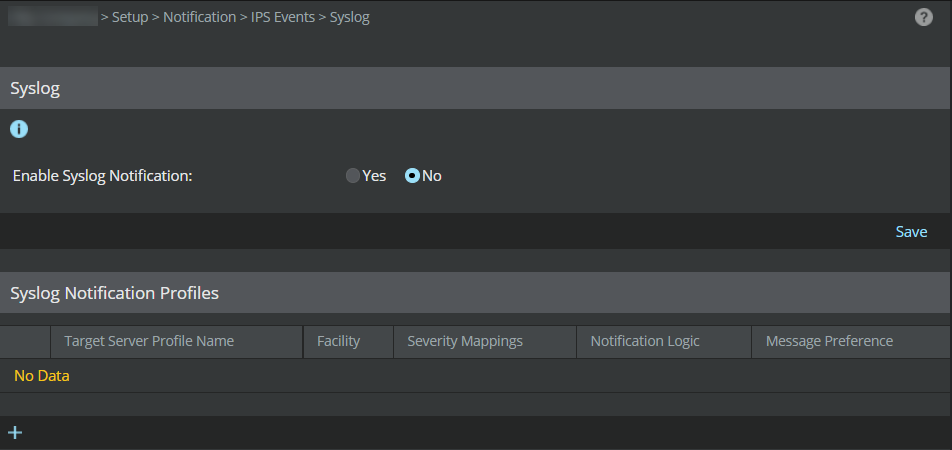
- Click Yes in Enable Syslog Notification to enable syslog forwarding of alerts.
-
Click
Save.
Note
You can forward Sensor alerts to multiple syslog servers by creating new syslog notification profiles. You can forward IPS alerts to syslog servers using UDP or TCP (with or without SSL).