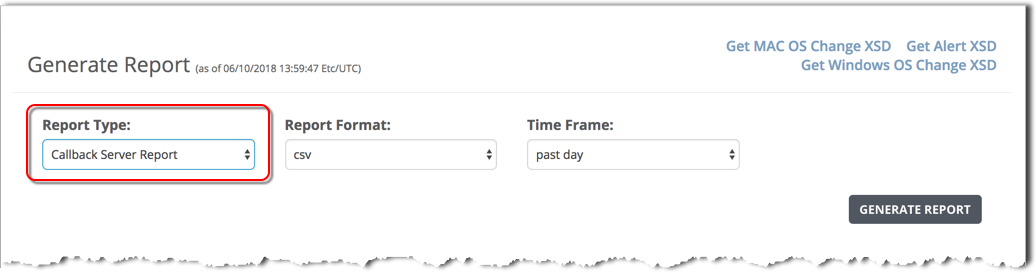
To generate a callback server report using the Web UI, use the Generate Report form and specify the Callback Server report type.
Prerequisites
To generate a callback server report:
In the Report Type field, select Callback Server Report.
In the Report Format field, the csv output format is selected by default. The callback server report is not available in other output formats.