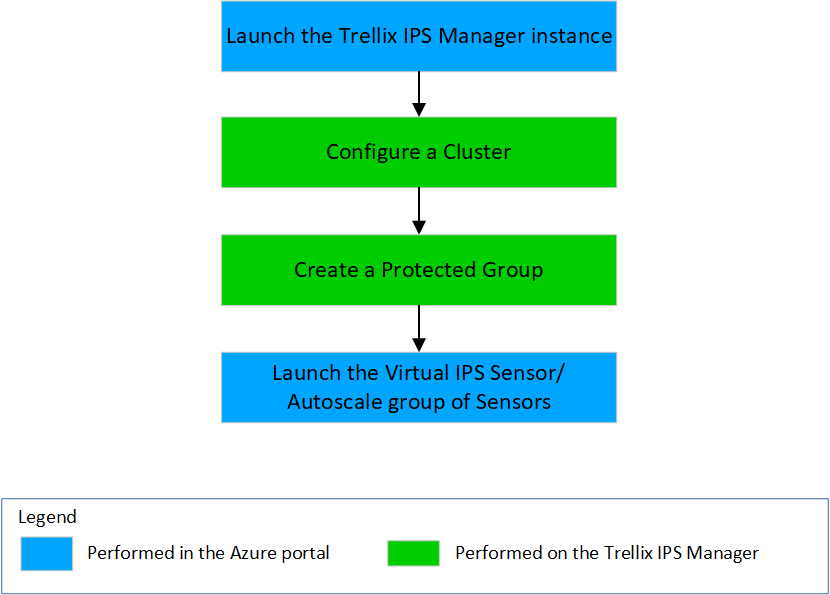
The subscription for your organization is required before you deploy the vIPS cloud solution. We assume that you have defined the virtual networks and subnets as per your requirements. Furthermore, create a network security group with the required security policies and ports for the solution deployment. The Virtual IPS Sensor can be installed in the same virtual network as your virtual machines or in a separate virtual network. Before installing the Manager, ensure that you have created a registered application with the required roles.
This section provides the high-level steps for deploying Trellix vIPS with Azure Gateway Load Balancer.
Steps:
Launch the Trellix IPS Manager instance.
Configure a Cluster for a Protected Group.
Create Protected Groups for instance.
Launch the Virtual IPS Sensor instance.
Validate your deployment.
Repeat steps 2-5 in any order to complete the desired deployment.