You can view the malware statistics per Sensor by doing the following steps.
Task
- Navigate to Devices → <Admin Domain Name> → Devices → <Device Name> → Troubleshooting → Traffic Statistics.
-
Click the
Advanced Malware Analysis tab.
You can view the traffic statistics for malware statistics either By Malware Engine or By File Type.
Malware traffic statistics 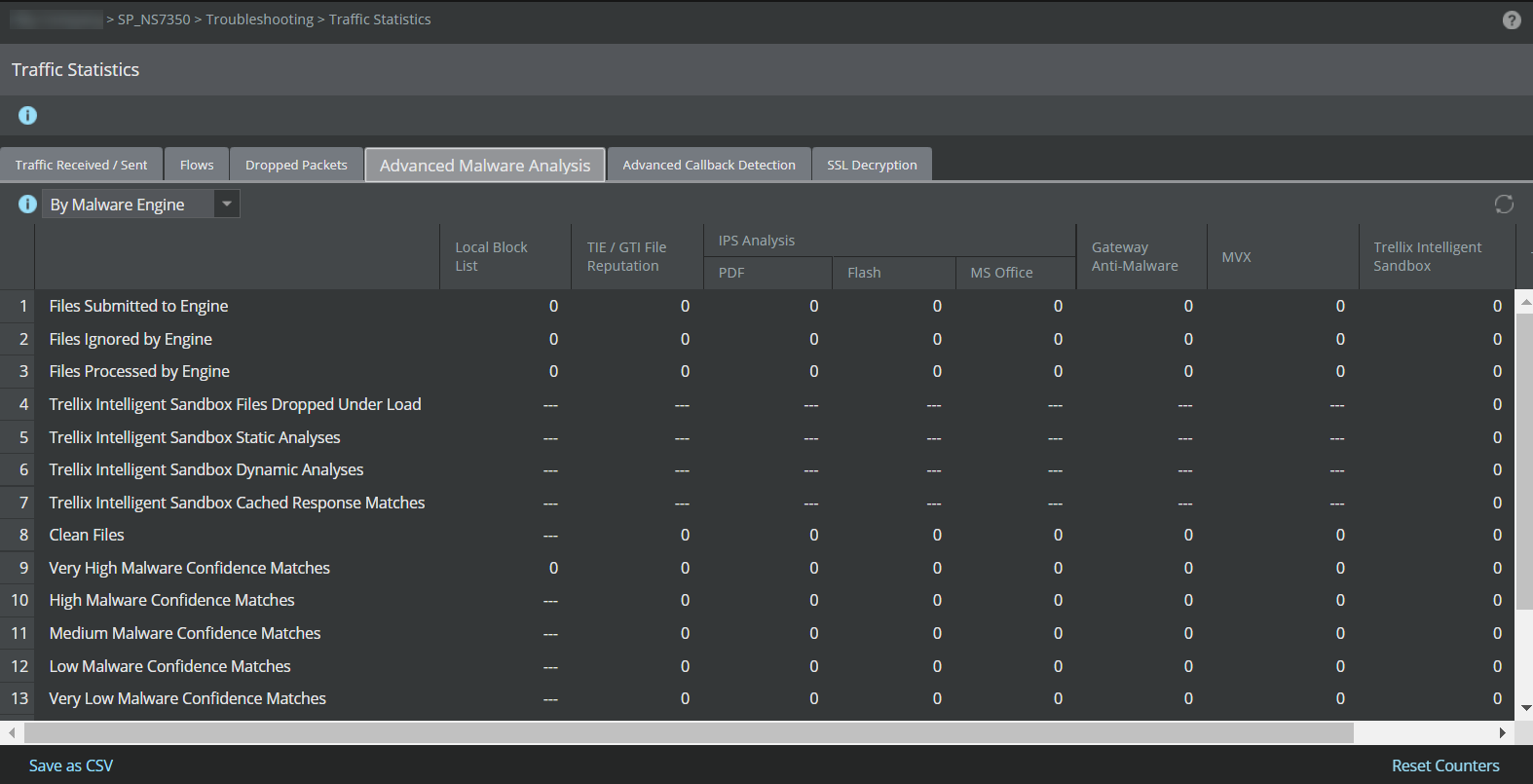
-
Click the refresh icon to view the updated malware statistics.
To view the number of malware alerts detected by Trellix IPS-File Reputation integration, use the status command. For more information on these commands, see the CLI commands section in the Trellix Intrusion Prevention System Product Guide.