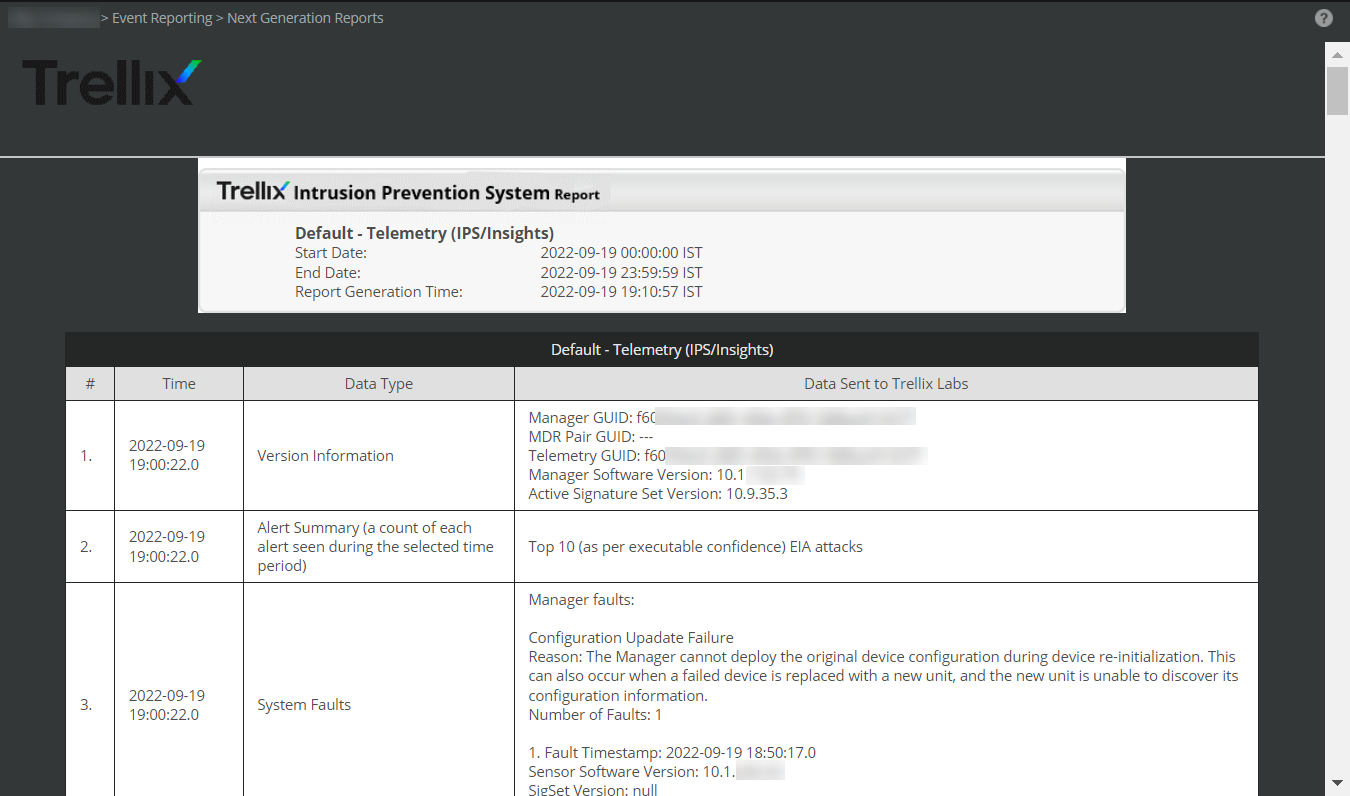
The GTI report is a report that shows all the details that will be sent to Trellix Labs. Viewing this report helps you in understanding the list of information sent by you. The report generates a complete information on Alert Data Details, IP Exclusion List, Alert Data Summary, General Setup, Feature Usage, System Faults, and Technical Contact Information.
To view the GTI Report, do the following:
- In the Manager, go to
Analysis → <Admin Domain Name> → Even Reporting → Next Generation Reports.
The Next Generation Reports page is displayed.
- Select
Default - Telemetry (IPS/Insights) report and click
Run.
The Run Report page is displayed.
- Select the
Date Options and
Report Format and click
Run.
Note
For HTML and PDF options, the report is displayed in the Manager. For Save as CSV and Save as HTML, use the File Download option to save the report.
The Telemetry Report is displayed.
Note
The NS9500 Sensors in a stack will be listed individually in Default - Telemetry (IPS/Insights) report under General Setup section.