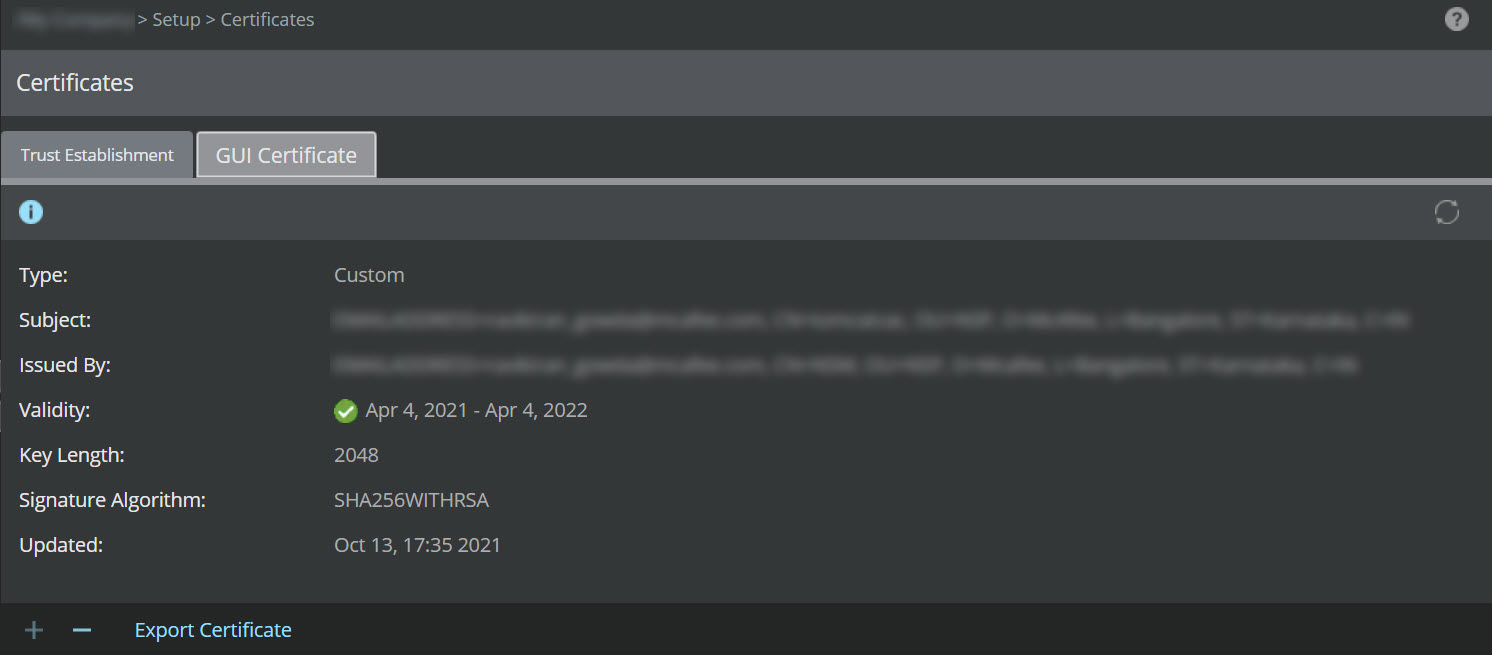
To import the CA-signed certificate to the Manager, perform the following steps:
Task
-
In the Manager, go to
Manager → <Admin Domain Name> → Setup → Certificates. Select
GUI Certificate tab.
The GUI Certificate tab is displayed.
.jpg)
-
Click
 .
The Import Certificate dialog box opens.
.
The Import Certificate dialog box opens.Note
The
option is available only when the Manager uses a self-signed certificate. You cannot add a new CA-signed certificate to the Manager that is already using a CA-signed certificate for establishing trust with the client systems.
- In the Import Certificate dialog box, click Browse.
-
Browse to the directory that contains the CA-signed certificate, click
Open.
Note
The CA certificate should be in P12 format.
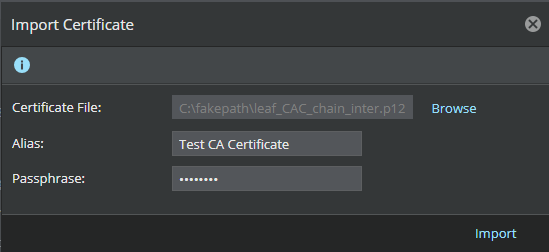
- Provide an Alias and the Passphrase of the certificate.
- Click Import to upload the certificate to the Manager.
- Restart the Manager server.
Results