This section provides the steps to install the interface module for a fresh installation of Manager and Sensor.
Remove the module from its protective packaging.
Note
It is assumed that the Sensor is yet to be powered on, and trust between the Sensor and the Manager has not been established.
Remove the slot filler from the Sensor.
Grip the sides of the module with your thumb and forefinger and insert the module into the slot.
Install an interface module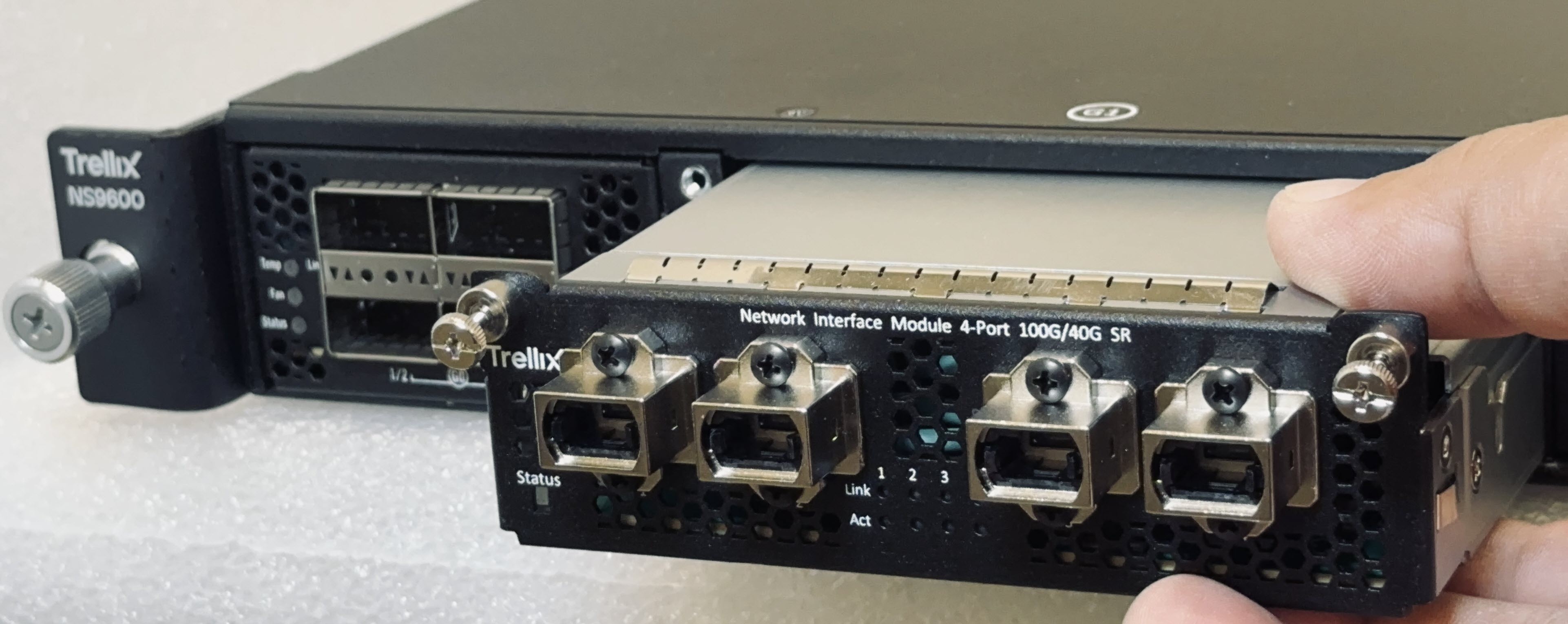
Drive in the screws fixed on the sides of the module to attach it to the Sensor.
Turn on the Sensor.
Establish trust between the Sensor and the Manager.