You can purchase the following interface modules and insert them into the relevant slots on your NS-series Sensor.
2-port QSFP28 100 Gigabit interface module
2-port 100/40 Gigabit SR MTP/MPO module with passive fail-open
4-port QSFP+ 40 Gigabit interface module
8-port SFP/SFP+ 1/10 Gigabit interface module
4-port 1/10 Gigabit LC Fiber module with passive fail-open
6-port RJ-45 10/100/1000 Mbps Ethernet interface module
4-port RJ-45 100/1000/10000 Mbps Ethernet Monitoring ports
Perform the following steps to install any interface module:
Remove the module from its protective packaging.
Grip the sides of the module with your thumb and fore-finger and insert the module into the slot.
.png)
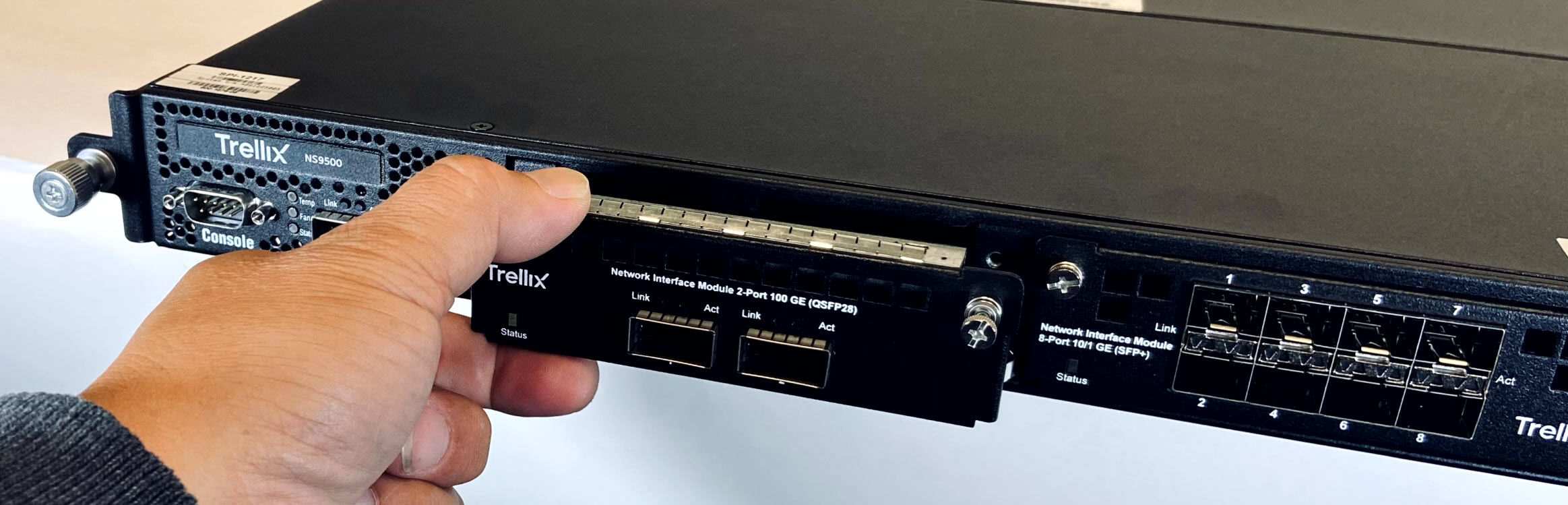
Drive in the screws fixed on the sides of the module to attach it to the Sensor.