Steps:
From the ePolicy Orchestrator - On-premises console, click
 .
Select Software → Extensions.
Navigating to software extensions on ePO console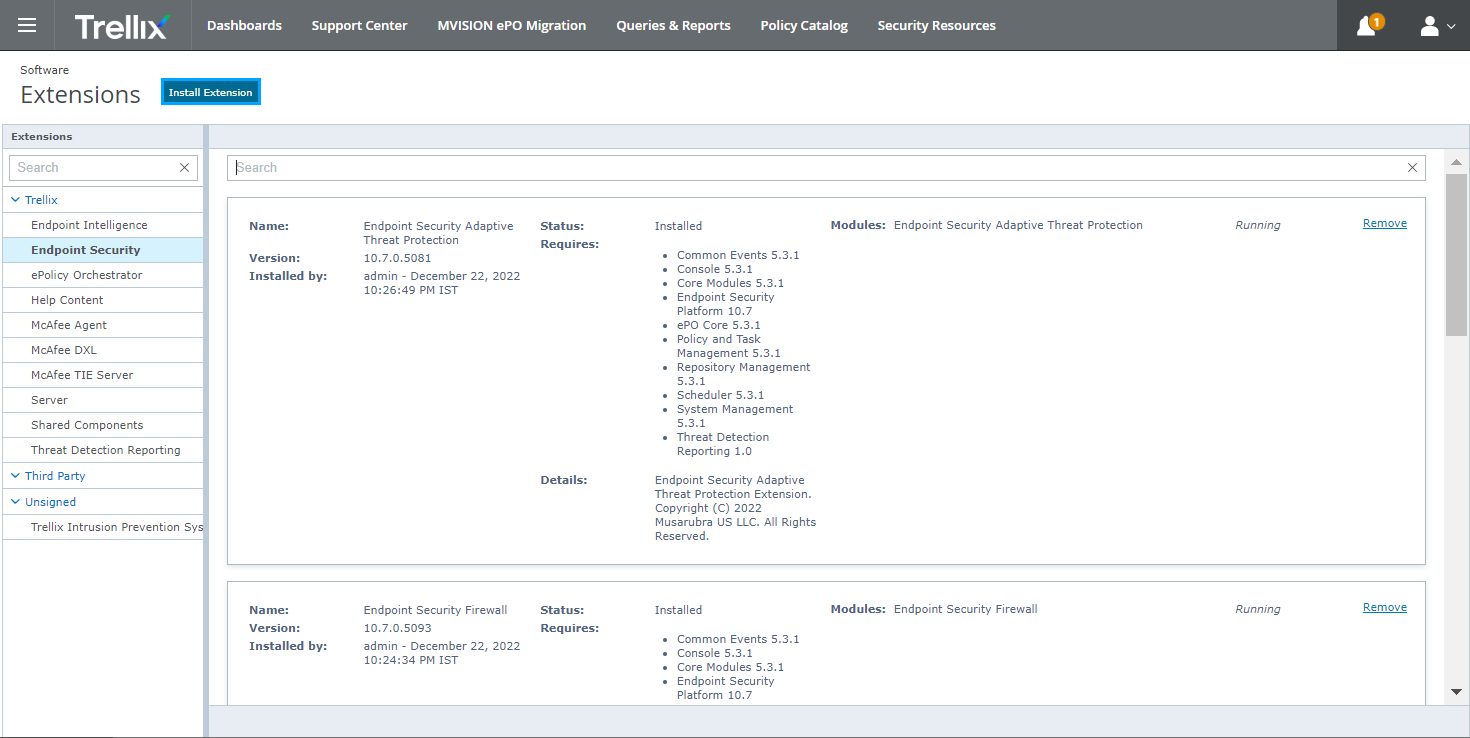
At the top of the Extensions pane on the left side of the Extensions page, click Install Extension.
Installing Trellix Agentextension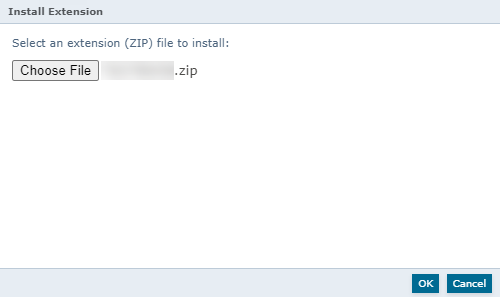
Browse to the Trellix Agent extension file you downloaded from the Trellix downloads page.
Click Open to select the file, then click OK to proceed with the selection.
Click OK to install the extension.