From the Boot menu, use the arrow and enter keys to select Install Cloud Collector Comm Broker Software Appliance and press Enter.
Type Yes and press Enter to acknowledge that continuing will destroy all data on this device and will perform a new OS installation.
When installation is complete, press Enter to reboot.
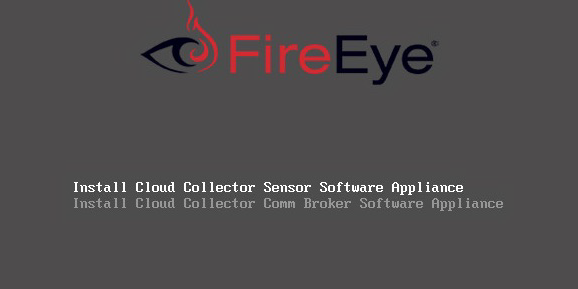
Installing the Comm Broker
- Published on Sep 5, 2026
- 1 minute(s) read
Was this article helpful?